Read and navigate Bible books and chapters offline. Search for specific verses. Highlight and bookmark passages. Adjust text size and font. Access study tools and commentary. Share verses via email or social media.
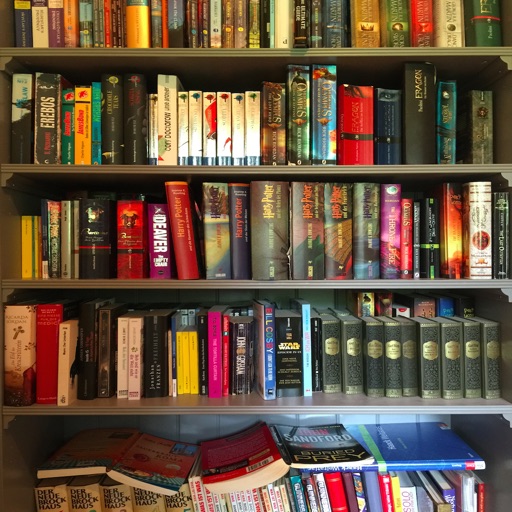
Track books you’ve read, are reading, or want to read. Add notes, quotes, and reviews to remember key details. Set reading goals, streaks, and reminders to stay motivated. Sync books across devices and import from various sources.
The app searches for book availability within the Singapore National Library Board system. Users can scan ISBNs to add books to a reading list and see their locations in NLB branches.
Batch QR Scanner detects and scans multiple QR codes and barcodes at once. Users can view detailed data cards, manage scan history, and export results as CSV or PDF. Relevant options are provided to organize scanned information.
Scan QR codes and barcodes to access text, URLs, ISBNs, contacts, emails, locations, and Wi-Fi networks. Share scanned data via email or messaging. Save scanned results for later reference.
Track reading progress page by page. View remaining pages and completed sections. Scan ISBN barcodes to add books with cover art, author info, and details. Organize and manage personal book collections.
Scan barcodes and QR codes with a single tap. Automatically recognize code type and display results instantly. Access encoded information including links, web pages, products, cards, videos, and events.