View conference schedules, presentations, exhibitor details, and speaker information. Take notes on slides, posters, and exhibitor content. Draw directly on slides. Share notes via in- messaging, email, and social media.
View 3D models on iOS devices with pan, zoom, and orbit controls. Load files from local storage or cloud services via a built-in browser. Use AR mode to visualize models in real space. Draw annotations directly on 3D views.
View conference schedules, presentations, exhibitors, and speaker details. Take notes on slides, posters, and exhibitor info. Draw directly on slides. Share notes via in- messaging, email, and social media.
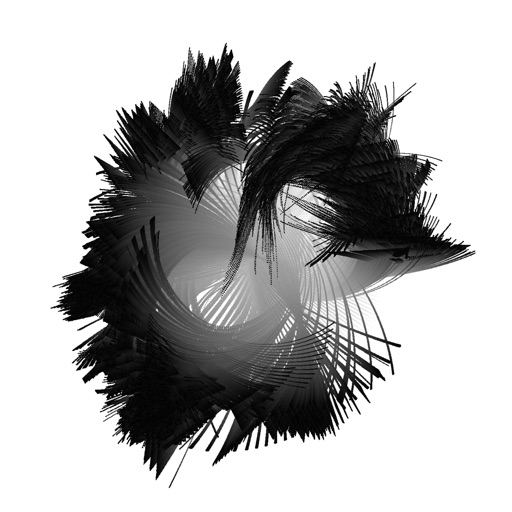
Create and animate particle effects in space with drawing tools and customization options. Adjust particle colors and gravity settings. Import images and record videos in full version. Supports iPad for enhanced experience.
Create and customize drawings using line tools, paintbrushes, and stamps. Access a library of free pages to color and paint. Share completed artwork with family or friends. Draw freely or use pre-designed templates for creative expression.
Play interactive games to learn the alphabet, count numbers, and recognize shapes. Practice memory, logic, and concentration through puzzles and pattern games.
Edit photos with paint and drawing tools, blemish removal, and image enhancement features. Add text and stickers. Export and share edited images directly.