Create and play musical projects using clip-based sequencing. Use built-in to generate notes, chords, arpeggios, and rhythms. Connect external instruments or MIDI hardware. Apply effects and arrange audio elements for performance or production.
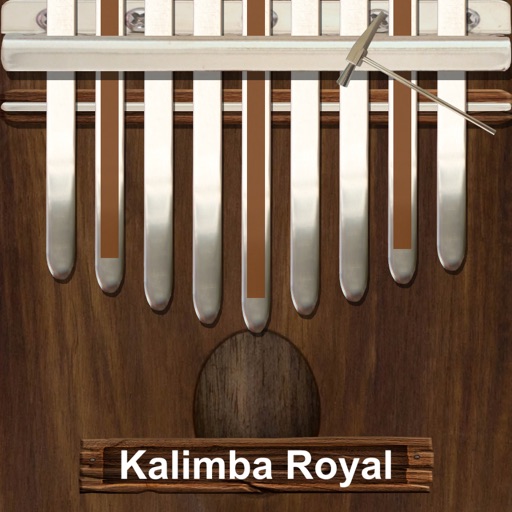
Play a traditional African musical instrument with metal tines. Pluck tines with thumbs to create melodies. Adjust pitch and volume. Save and share recordings. Learn scales and chords through built-in lessons.
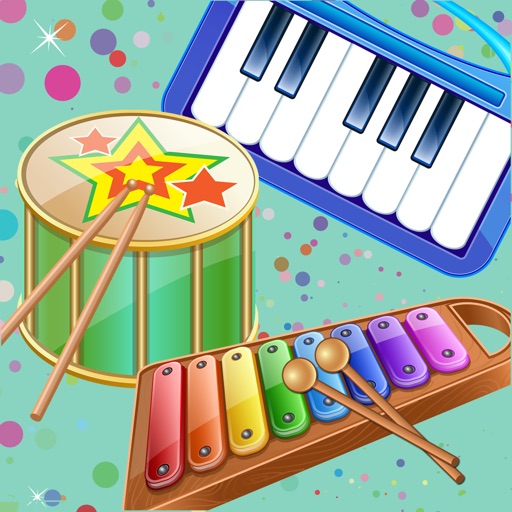
The app provides a fun way for children to learn about musical instruments and create their own music. It features colorful instruments with authentic sounds and simple navigation suitable for young users.
Record audio using the microphone. Play back audio in forward or reversed direction. Create reversed audio clips for creative projects or entertainment. Share reversed audio directly.
Watch videos from independent artists worldwide. Stream original and cover songs. Earn money by broadcasting performances. Upload and share videos. Access ad-free content. Track artist profiles and upcoming releases.
Plugin for iOS devices. Adjusts parameters with three knobs. Works as an Audio Unit (AUv3) plugin in hosts like GarageBand and Cubasis 3. Includes open-source code for integration into other apps. No ads or in- purchases.
Control sound through movement using ML-based body recognition and device camera. Create and manipulate melodies with gestures. Visualize audio in real-time. Share creative sessions with others. Adjust pitch, tempo, and effects on the fly.
Play a 3-D xylophone and other musical instruments. Tap keys to create melodies. Choose from different instruments and difficulty levels. Share created music with friends. Track progress and unlock new content.
Explore musical scales and tunings through interactive soundscapes. Adjust pitch and harmony by touching and manipulating virtual instruments. Discover new tonal structures without prior music theory knowledge.
Create music using finger movements to trigger musical rules and interactions. Adjust sound parameters in real time. Save and export compositions. Sync with MIDI devices. Customize gesture-based controls for unique playing styles.
Create and customize music with 3 synthesizers and 1 drum machine. Loop, modify, and erase instrument sounds. nimated visuals that respond to music. Adjust animation styles and interact with visuals in real time.
The app offers a piano interface with multiple instrument sounds including piano, pan flute, and violin. Users can play along with songs and enjoy percussion instruments with G-sensor support.
Control Yamaha via iOS device with real-time feedback. Adjust settings, access lesson content, and use metronome. Connect using Lightning to USB adapter or Yamaha cable. Record performances and playback samples.
And sight-reading with real instruments like , guitar, or violin. Use note buttons or a virtual keyboard. Receive feedback with smiling kitten animations. View session summaries and adjust settings.