Create and organize with color coding and drag-and-drop functionality. Quickly add memos using Touch ID. Sync across devices. Assign colors to differentiate memos. Drag and drop memos for rearrangement.
Draw on touchscreens using finger or stylus. Change line color with buttons and adjust line width with a slider. Save and organize notes into folders. Access advanced features with an auto-renewing subscription.
Delete duplicate photos and find similar ones to remove. Group photos by location. Remove incomplete contacts and merge duplicates. Hide photos and contacts. Organize files to improve device performance.
Write screenplays with automatic industry formatting for scenes, characters, and dialogue. Navigate through scripts with customizable tools. Use optional AI assistance to refine writing. Export in multiple formats and share directly.
Scan documents with auto-detected formatting and adjust brightness, contrast, or apply black/white filter. Add signatures, stamps, logos, or images. and reuse signatures. Organize documents into folders and search for specific files.
Monitor status with real-time updates. View online players, version, host, port, and message of the day. Add custom servers and track player activity through a customizable widget.
Study for the NCLEX exam with practice questions, medication cards, and custom quizzes. flashcards for key nursing concepts. Access additional practice tests and quizzes for targeted exam preparation. Track progress and set study goals.
Take a photo or upload an image of a seashell to identify its species. View detailed information, including scientific names, habitats, and images. Compare similar species and save or share identified shells.
Edit and annotate PDF documents with text, highlights, and comments. Convert PDFs to Word, Excel, and image formats, and vice versa. Compress to reduce size and save storage space. Share edited documents directly or export in multiple formats.
Convert paper documents to digital PDFs by with a built-in camera. Edit text, add annotations, and organize pages. Save, share, and manage files directly within the .
Barcodes and QR codes to access product information and verify authenticity. Create and manage codes instantly. Analyze URLs for safety using Google Safe Browsing. Share scanned results directly.
Access study guides for literature works. Read essays, chapter summaries, character lists, and theme analyses. View historical context, author bios, and quizzes. Purchase individual guides. Subscribe monthly or yearly for access.
Scans devices to remove unnecessary files and free storage. It compresses videos with minimal quality loss and offers multiple compression modes. Users can manage private data and enhance quality within the .
Read and navigate the with a simple, easy-to-read format. Search for specific verses. Share content via Facebook or email. Access the full text of the .
Access secure and fast internet with encrypted connections. Switch servers globally to bypass restrictions. Set automatic renewal for subscriptions. Manage payment methods and view subscription history. Cancel anytime before renewal.
Write freely in an uncluttered environment. Organize notes into files and categories. Add images to notes. Drag and arrange content as needed. Roll back to previous versions.
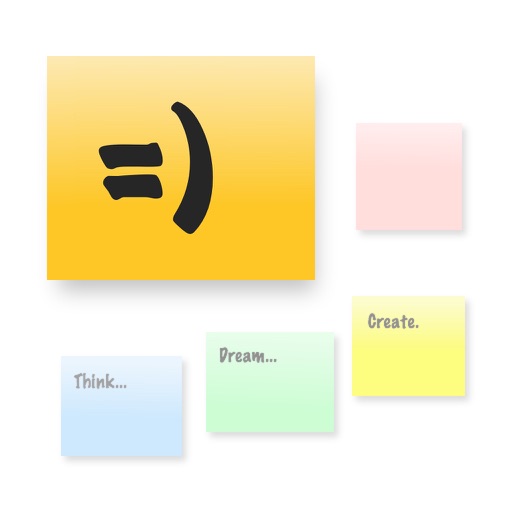
The app provides a large, zoomable board for capturing and organizing ideas with digital sticky notes. Users can drag and drop notes, use various colors, and email boards as PDFs for sharing.
Sphere AI Chat allows users to ask questions and receive instant, human-like responses. Generate text such as summaries, scripts, and code. Maintain context across follow-up messages. Pin or copy key responses. Access a locally stored chat history.