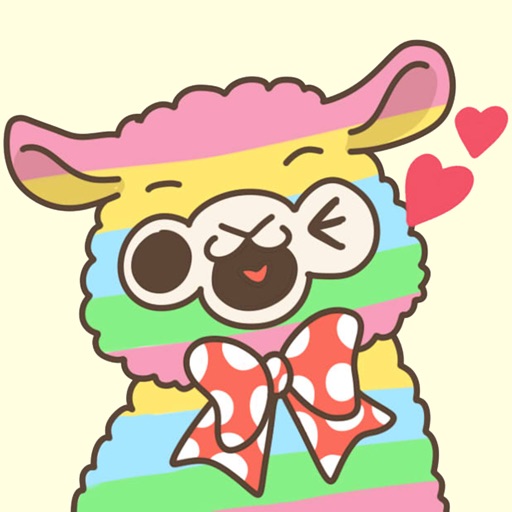
Stickers allows users to access 33 hand-drawn stickers. Features include adding stickers to messages, sharing via social media, and customizing sticker placement.
by Svetlana Tokarenko★ 5.02 ratingsStickers$0.99Data updated 2026-09-16
Use stickers to express emotions and actions. Send stickers by touch or drag and drop. Zoom and rotate with two fingers. Includes expressions like wink, confused, and dancing. New stickers added over time.
Share -related for emotional expression and conversation. Include 30 covering various situations and feelings. Add to messages, comment on social media, and create fun conversations around menstrual experiences.
Browse emojis and stickers to share with friends. Access a collection of humorous expressions. Share content directly through integrated messaging options.
Send dynamic and animated stickers in iMessage chats. Place stickers anywhere on messages. Customize photos with stickers in chat. Layer stickers over each other.
Send stickers with expressions like "I'm asleep..." and "I love you!" to friends and family. Include animated koi characters. Share via messaging apps. Access free sticker with 6 themed designs. Link to premium sticker and game.
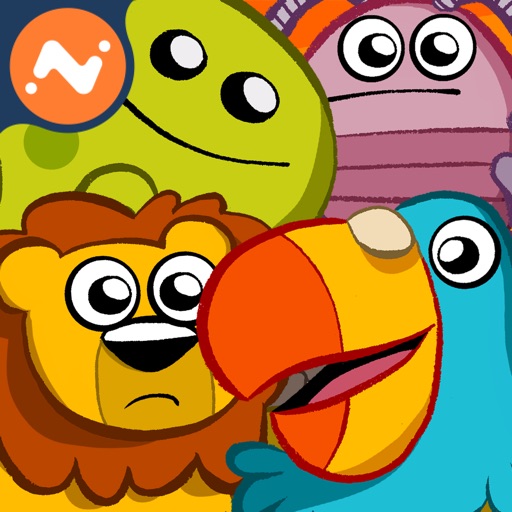
The app is a match-4 action puzzle game where players photograph animals across five global themes. It offers five gameplay modes, including multiplayer, and features bonuses to aid progression.
Create and send festive for iMessage. Choose from 39 hand-drawn designs featuring themes, seasonal greetings, and whimsical characters. Customize sticker packs and share in conversations.
The app allows users to add prank and warm-up stickers like antlers and ears to photos. Users can apply stickers while taking pictures and extend sticker themes up to nine.
Use animated stickers to enhance iMessage conversations. Include 64 high-quality animated stickers. Add 20 free stickers with purchase. Share emotions through expressive animations.
Create and share animated featuring expressive characters. Choose from a variety of emotions and actions. Customize sticker size and position. Add text overlays. Share via messaging apps or social media.
Send stickers to friends or attach them to photos and messages in iMessage. Organize stickers into categories. Tap to send or drag onto messages. New stickers are added regularly.
Use stickers featuring Toy characters like Buzz Lightyear and Woody. Add stickers to messages, customize sticker size, and browse sticker packs within the . Share stickers via iMessage or other supported platforms.
Create packs by dragging and dropping images into the . Cut objects from photos to design custom stickers. Edit stickers to enhance their appearance. Export stickers to iMessage, WhatsApp, and Telegram.
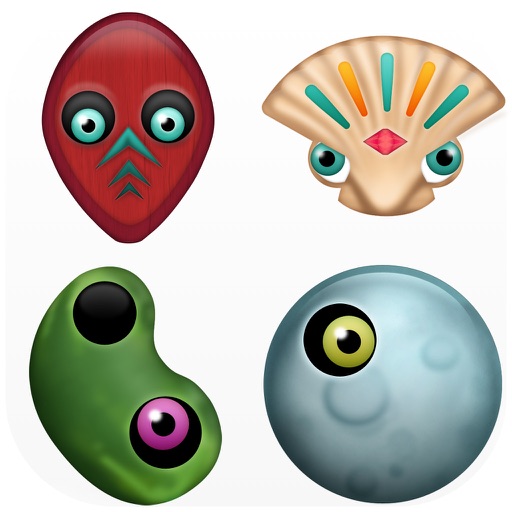
Create festive characters by combining stickers like faces, eyes, and hats. Paint and modify designs. Add textures and materials. Save and share finished creations.
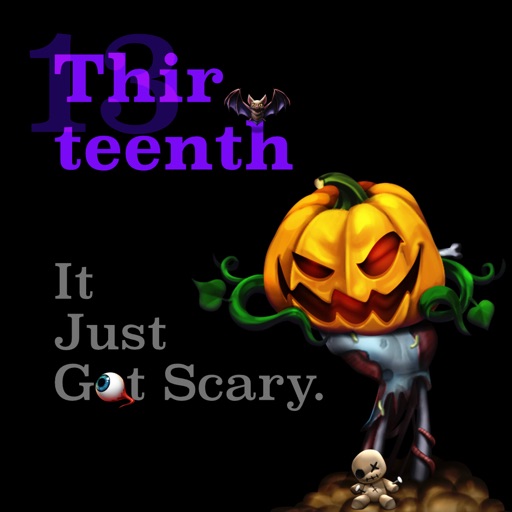
Create and share messages with animated stickers. Choose from a collection of scary-themed stickers to add visual effects. Customize stories with multiple sticker options and send through messaging apps.
Use HD Parrot stickers to add fun animations to iMessage conversations. Send dancing, clapping, and partying. Customize sticker size and position. Share stickers with friends via iMessage.
Create personalized stickers and custom avatars using facial features and expressions. Upload photos to generate unique avatars. Share stickers directly with friends or social media platforms.
Send animated stickers to express emotions. Choose from 600+ adorable couple stickers. Customize messages with text and emojis. Share directly via messaging apps. Update sticker collection regularly.