Edit videos by trimming, splitting, and merging clips with adjustable durations and transitional animations. Apply diverse filters and retouch photos. Add multi-layer subtitles with adjustable timing and customizable fonts.
Edit photos and videos with brightness, contrast, hue, saturation, and color filters. Add texture using blur, noise, dust, and dark corners. Apply vintage film-inspired filters for a retro look. Export and share edited content.
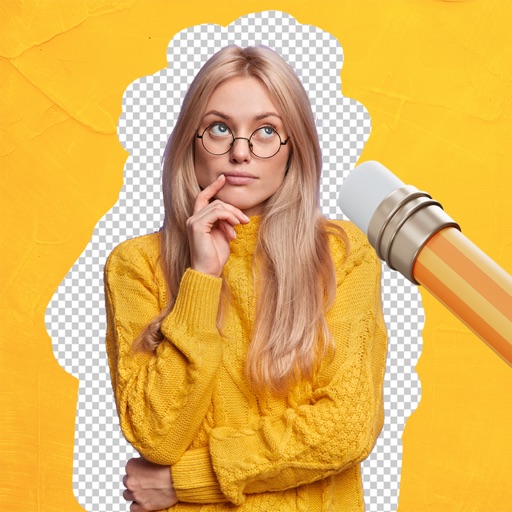
Remove backgrounds from images using AI-powered tools. Select areas to erase and automatically cut out subjects. Export as transparent PNG files. Adjust edges and refine results manually. Share edited images directly.
Edit photos with grid layouts, brightness, contrast, and saturation adjustments. Apply filters to enhance images. Create collages with multiple layout options. Export edited photos in various formats.
Create traditional hand-drawn animations with support for Apple Pencil or finger input. Use the traditional xsheet for timing and thumbnail previews. Enjoy smooth, natural drawing with automatic onion skin lighting for better visibility.
Create videos by selecting photos from the gallery and adding music. Choose from 50+ transition effects. Adjust frame speed and layout ratio options including portrait, square, and landscape. Preview and edit in real time.
Convert physical documents or digital images into editable PDFs via camera. Merge multiple images into one document. Edit PDFs with annotations, rotations, cropping, and freehand drawings. Refine images for clarity.
Create greeting cards and postcards with customizable templates, decorations, stickers, emojis, and fonts. Add photos, adjust text, and export designs to share via social media or email.
Edit templates, design invitations, create video stories
Create invitations and Instagram video stories using editable templates. Customize designs with text, images, stickers, and graphics. Add animations and music to video stories. Export and share invitations or videos directly.
The app provides machine embroidery design management on iPhone and iPad. Users can rotate, flip, move, resize, and modify designs, change thread colors, and synchronize with computers via iCloud.
Create promotional posters and advertisements quickly. Choose from 120+ background templates and customize sizes in various ratios. Add text, images, and graphics to design posters. Share finished directly to social media platforms.
Create custom wallpapers with graphic design elements and choose from over 1000 backgrounds. Apply wallpapers to personalize device screens. Edit and adjust themes to match personal style. Save and set custom wallpapers as device backgrounds.
Create videos with one-tap effect application. Apply trending filters and effects to videos. Share videos on social networks. Challenge others with creative content. Edit videos with customizable effects.