Control camera settings and start recording with one tap. Automatically track and record soccer, basketball, and over 10 team sports. Stream live games and share instant highlights with players, coaches, and fans.
Monitor your baby's environment with real-time video feed. Receive notifications for motion, sound, or face detection. View and replay recorded events from the cloud. Share live feed with caregivers.
Create albums and share photos and videos with specific people. Invite others to join Group Buckets for shared experiences. Generate links to share content instantly. Relive memories through organized collections.
Stream video content with real-time chat interaction. Watch and engage with creators in ad-free environments. Support creators through subscriptions and donations. View streams and participate in community discussions.
Monitor live video feeds in high definition from any location. View in low light with infrared illumination. Playback recorded footage using cloud storage, SD card, or NVR/DVR. Communicate via two-way audio. Receive instant motion detection alerts.
Fry the last frame of videos to upload to TikTok. Edit memes by frying images or GIFs from the photo library or Gfycat. Share finished memes to camera roll or via iMessage as stickers. Open created memes in TikTok and Snapchat.
Edit and videos in real time with HDR tone mapping. Correct lighting and exposure issues. Apply eight unique artistic modes. Enhance details and preview edits before capturing. Adjust exposure and transform images instantly.
The app streams photos, video, and music from a mobile device to a TV. It allows access to digital content from anywhere and serves as a remote control for playback.
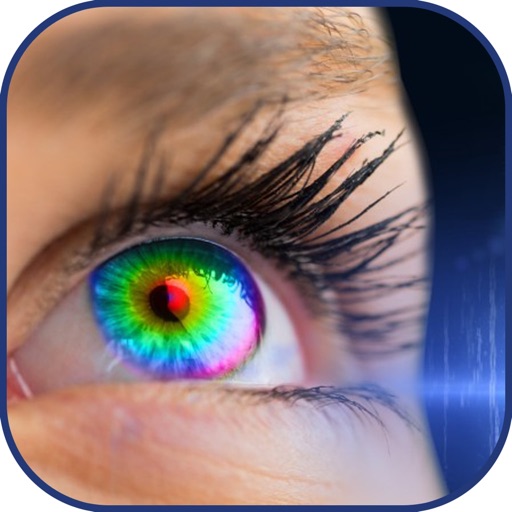
Change eye with a single tap. Select from multiple shades to alter eye appearance. Adjust brightness and contrast for natural results. Save edited images and share directly.
The app allows users to add unicorn-themed graphics to photos. Users can select or snap a photo, add horns, sparkles, rainbows, and glitter farts, and then share the edited image.