Allows users to control multiple hardware and software instruments via MIDI controllers. Organize projects into sections for different song parts. Adjust instrument sounds and parameters within sections.
by Ali Gokturk★ 3.98 ratingsMusicFreeData updated 2026-09-16
Allows users to play notes with customizable layouts and multiple notes on screen. It includes music theory integration for note identification and chord recognition. Users can adjust key signatures and scale modes.
The app emulates vintage 80's hardware drum machines with a realistic interface. Users can play included rhythm presets or create their own patterns, with control over drum kit parameters and song mode.
Create and edit musical scores and tablature with tools for notation and tab editing. Import or start new scores. Share files with collaborators. View and analyze existing sheet music and tablature. Adjust notes, rhythms, and formatting.
The app offers control for MIDI-enabled hardware and software, including keyboards, synths, and DAWs. It provides AUv3 support within hosts like AUM and Logic, alongside robust MIDI communications over network, Bluetooth, and USB.
Create and manipulate sounds using additive synthesis. Adjust sine wave parameters to shape timbres. Layer multiple partials to build complex tones. Save and export custom sound designs. Import and export audio files for further processing.
Create with virtual instruments, effects, and AUv3 plugin support. Arrange beats, adjust tempo, and export tracks. Share projects directly or sync with DAWs for further editing.
A music allows users to control virtual knobs via MIDI. Adjust parameters to modify sound effects. Save and load preset configurations. Integrate with DAWs as an AUv3 plugin.
Professional music synthesizer with virtual analogue sound engine. Play using on-screen keyboard or MIDI controllers. Connect to digital audio workstations via MIDI. Sync with other apps via MIDI Clock.
Play the oud instrument with realistic acoustic sound. Access scales and notes for practice. Record and share music on social media. Use a piano interface with oud sounds. Manage audio files and engage with interactive features.
Edit audio with pitch shifting, formant control, and tone adjustments. Create harmonies and doubles with up to 12 . Transpose individual by an octave or flatten to a chosen pitch. Adjust width and placement for vocal effects.
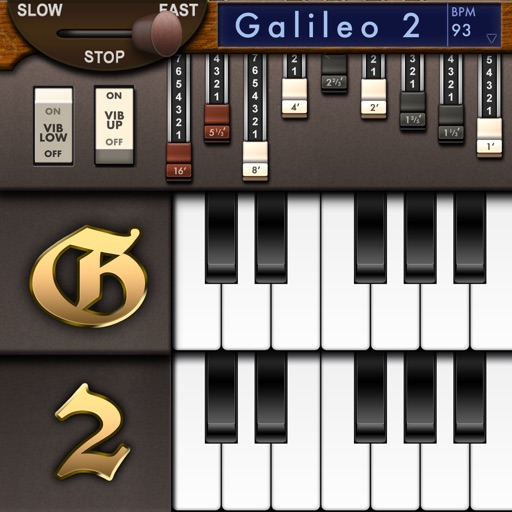
Create and customize sounds with 17 different types. Configure three manuals independently. Use scanner vibrato and chorus effects. Simulate rotary cabinets and tube amplifiers. Access AUv3 plugin for integration.
Play virtual saxophone using MIDI devices or wind controllers. Adjust dynamics and articulation for realistic expression. Access a room simulator for immersive sound environments. Save and share performances.
Create music using device sensors such as touch, motion, camera, and microphone, or connected peripherals like game controllers, Apple Watch, or AirPods. Connect modular MIDI components in the editor to build custom setups.
Learn notes and chords through interactive . Identify key signatures for major and minor scales. Guess notes on treble and bass clefs. Play competitive to practice guitar and piano chords using a MIDI keyboard.
Create and customize sounds with a wide range of synthesizer presets. Adjust knobs and parameters to design unique tones. Load AudioUnit plugins in DAWs. Connect via MIDI to external keyboards.
Simulate the ANS synthesizer by drawing spectrograms to create music. Adjust parameters like pitch, amplitude, and envelope. Play back compositions and export audio files. Learn about the history and unique capabilities of the ANS instrument.