Apply blur to portraits for a blurred effect. Adjust blur intensity and tweak brightness, temperature, tint, and saturation. Use live filters during editing. Export edited photos directly.
Using AI to create depth in photos. Upload images from the camera roll. Select or mode. Apply customizable effects including default, radius, motion, zoom, box, surface, and bokeh. Adjust settings for precise results. Export edited photos directly.
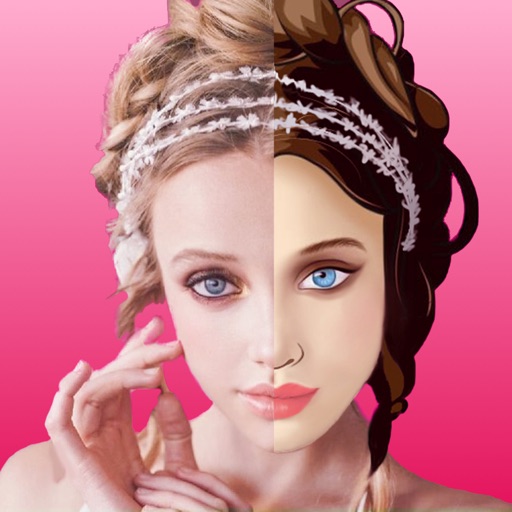
Apply art to photos for creative visuals. Add spiral effects and blur backgrounds. Use emoji art, background art, and outline art to enhance images. Apply AI, cartoon, neon, and mask effects. Create retro, atlantis, and big camera styles.
The app allows users to slim faces and bodies in videos without background distortion. It also offers photo editing features to adjust appearance and add color to black and white images.
Batch blurring allows users to faces and license plates across multiple photos simultaneously. Select specific faces or plates to keep sharp and adjust intensity. Protect sensitive data by ensuring private information remains obscured.
Edit photos with AI-powered tools for object removal, people elimination, blemish correction, and background editing. Adjust colors, brightness, and contrast. Add text and filters. Export and share edited images directly.
Fry the last frame of videos to upload to TikTok. Edit memes by frying images or GIFs from the photo library or Gfycat. Share finished memes to camera roll or via iMessage as stickers. Open created memes in TikTok and Snapchat.
Create photo collages and video slideshows with customizable layouts, colors, and patterns. Add text, filters, and music. Edit photos with object removal, skin softening, and blur effects. Include stickers, outlines, and background adjustments.
Identify stamps by snapping photos. View real-time market price ranges. Get grading tips and valuation guidance. Save stamps to a digital album. Organize collections and track progress.
Edit photos with one-tap AI magic for enhanced details and clarity. Remove duplicates and clutter using smart cleanup tools. Organize and manage media with a virtual cat companion that tracks progress.
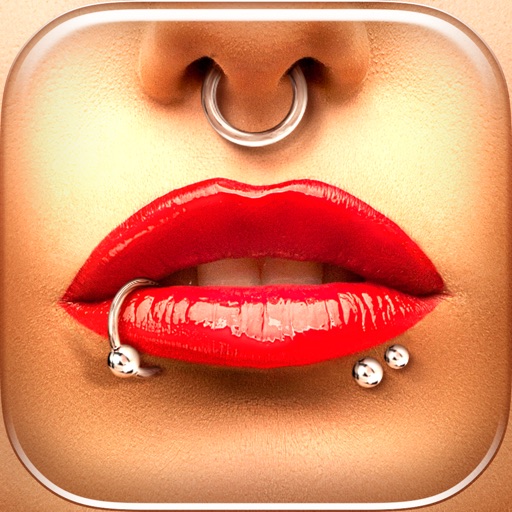
Try different styles with realistic effects. Choose from face, ear, belly, labret, teat, and nose categories. Select from over 300 objects. Adjust placement and size for custom looks. Share edited photos directly.
Edit images to remove backgrounds and create transparent images. Use zoom for precise edits. Cut out objects and save as stickers. Export for use in presentations, documents, and image editors.
The app allows users to blur specific areas of photos using finger tracing or automatic face detection. Users can select from four blur levels and adjust pen size, with options to save blur settings as presets for quick sharing.
Extract files from ZIP, RAR, 7Z, and other formats. Handle split archives and encrypted files with password input. Compress files into ZIP or 7Z with encryption and customizable split sizes. Secure with fingerprint, face recognition, or password.