Split videos into customizable 15-second clips. Save high-quality clips to the photo library. Choose from predefined durations or set custom lengths. Share clips directly to social media platforms.
The app provides tools for video creation and editing, including cutting, joining clips, and adding text and music. Users can apply filters, use a green screen effect, reverse video, and mask content.
The app automatically detects teeth for whitening and retouching photos. It offers tools to adjust smile appearance and lip shape, along with an object remover and photo filters.
Use the to apply fun filters and masks in real time. Share filtered selfies with others. View and save filtered images. Play with augmented reality effects designed for children.
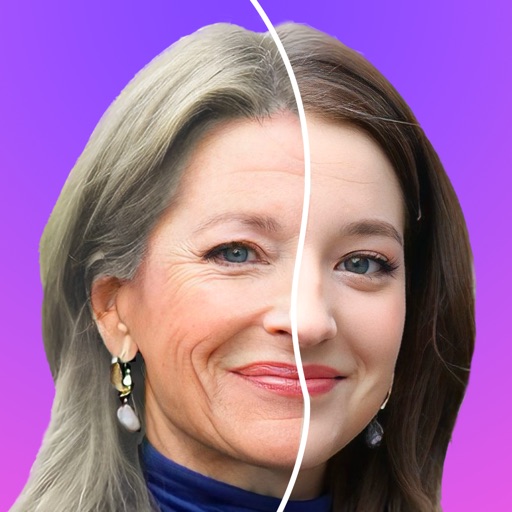
Change faces to celebrities, movie stars, or any person using one photo. Apply AI-generated styles with strict privacy protections. Access diverse character libraries for creative swaps.
Create invitations with customizable templates for events like weddings, birthdays, and holidays. Choose from multiple background options and add personal photos. Edit text, colors, and layouts to design professional-looking cards.
Create using facial expressions. Capture and edit selfies to generate stickers. Add text or artwork to enhance designs. Share via iMessage and social media. Upgrade to Emoji Pro for advanced editing features.
Edit photos with filters, masking, and color adjustments. Adjust brightness, contrast, and hue. Draw on images with customizable colors. Crop, rotate, and apply blur or focus effects. Export photos to the library.
Edit photos and videos with nostalgia-inspired filters, textures, and light leaks. Add frames and date stamps. Adjust exposure, contrast, and vibrance. Export edits in various formats and share directly.
Allows users to images with a single tap. Choose from pre-made templates or apply filters to enhance photos. Automatically or manually backgrounds. Add emotions and creative elements to improve visuals.
Create AI-powered videos from photos with facial animation and motion effects. faces in photos or videos using advanced AI. Generate live videos simulating pregnancy or other transformations. Edit and refine animations with intuitive tools.
Edit photos to full size on Instagram . Stretch edge pixels to fill gaps. Choose from blur, mosaic, color, and pattern backgrounds. Take photos directly or import from gallery.
Capture photos with a vintage camera style, mimicking Fuji, Hasselblad, and Ricoh colors with visible grain. Retouch images using HSL adjustments, curve controls, defogging, and photo framing tools. Export edited photos directly.
Background of photos with adjustable effects. Remove unwanted objects or faces. Edit photos with enhancer tools. Unblur accidentally blurred sections. Access a large catalog of effects.
Switch faces in real-time using a friend’s photo or a celebrity image. Record videos or photos with swaps. Choose from internet images or phone gallery. Share finished videos or images directly.