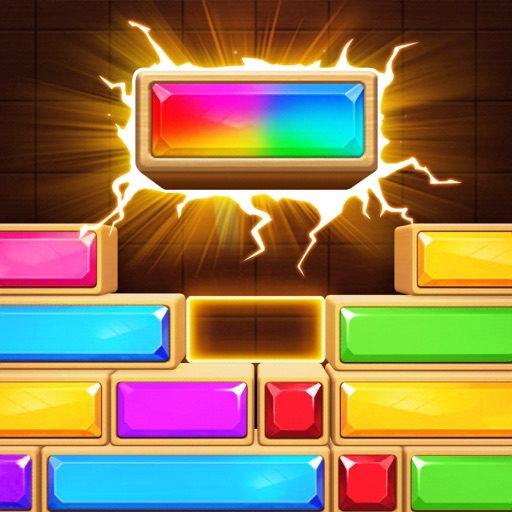
Slide blocks left or right to fill rows and eliminate them. Earn experience points during gameplay. Progress through increasing difficulty levels. Features a detailed interface with sound effects and visual elements.
Play with Klondike rules. Move cards between tableau piles, build sequences in descending order, and move cards to foundation piles by suit. Undo moves, restart , and adjust difficulty settings. Track progress and save multiple game sessions.
Play a classic game with adjustable difficulty levels. Flip cards to find , track moves, and race against time. Features include simple one-touch controls, cool graphics, and background music. Improve concentration through engaging gameplay.
Play games against real players in head-to-head duels, group brawls, and multi-player tournaments. Compete in high-stakes events to win . Earn rewards by defeating opponents and completing challenges.
Build and manage a zoo, care for animals, and breed new species. Collect different types to attract visitors. Customize zoo layouts and design enclosures. Connect with other players and share progress.
Play a competitive with 2-4 players. Use strategy to stack cards and outsmart opponents. Clear your deck by matching values. Compete to be the first to discard all cards.
Play by pairing cards to clear the board. Use wild cards and jokers to unlock special moves. Complete levels with increasing difficulty. Track progress and replay previous games.
PLAY AND LEARN EDUCATIONAL GAMES FOR KIDS PLEI END LERN EDYUKESHINAL GEIMS FO KIDS, TOO
Practice with flashcards and games
Practice arithmetic with flashcards covering addition, subtraction, multiplication, and division. Choose from single-operation or mixed modes. Set difficulty levels and track progress over time.
Build civilizations from the Stone Age to the Space Age by clearing land and using Gacha-style cards to construct buildings. Manage resources and population to level up. Play solo or team up in multiplayer to achieve shared goals.
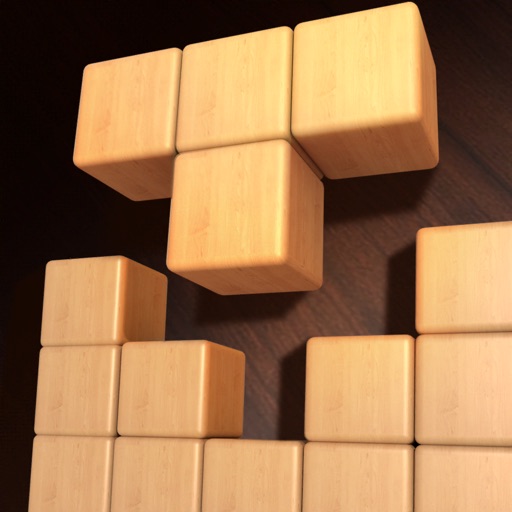
Play games with four modes: Classic, Rotate, Drop, and Bomb. Tap and drag blocks to fit. Use undo function for mistakes. Eliminate blocks to fill progress bars and trigger drops.