Apps Like procreate绘画-sketchbook画画 for iPhone and iPad
Draw, share, and create art anytime
Create and share original art with a wide range of brushes and tools for realistic drawing. Draw geometric shapes like rectangles, ellipses, and circles. Practice handwriting, signatures, and calligraphy. Share creations with a community of artists.
by 林 李★ 1.01 ratingsProductivity$1.99Data updated 2026-09-16
Create and animate particle effects in space with drawing tools and customization options. Adjust particle colors and gravity settings. Import images and record videos in full version. Supports iPad for enhanced experience.
The app allows designers to draw freehand while maintaining a measurable drawing scale. It provides tools for drawing layers, an adjustable grid system, and the ability to load base images to draw on top of.
Create custom at home using step-by-step tutorials. Access detailed instructions and high-resolution images for each design. Choose from various styles and materials. Save and share creations.
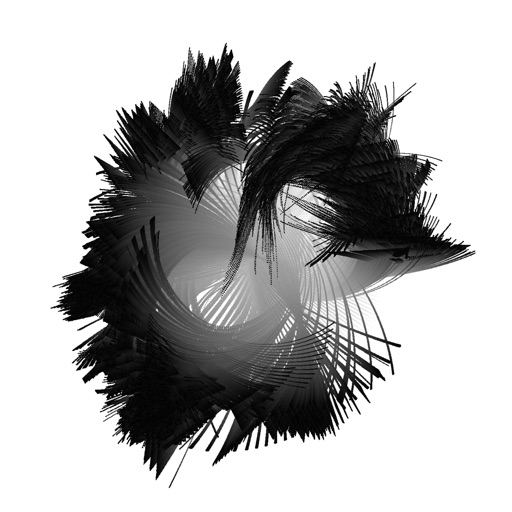
Create fractal art using the fractal-flame-algorithm. Adjust parameters to generate unique patterns. Save and share generated images. Explore endless design possibilities through interactive controls.
Allows users to color pre-designed illustrations and create custom drawings. Select from a variety of themes including animals, mandalas, and flowers. Use a wide range of colors to customize artwork. Save and share completed drawings.
Create customizable anime chibi characters with options for humans, kemonos, and furries. Choose from various styles and accessories. Add speech bubbles for interaction. Save and share creations as profile or background images.
Stream from artists across different regions. Browse a large catalog of popular and emerging talent. Access hard-to-find tracks. Create playlists and share songs. Support heritage and community.
View art daily from famous artists like Rembrandt and Caravaggio. Access detailed information about each piece. Zoom in for close-ups. Share artwork via email or social media. Set daily notifications. Create bookmarks and adjust font size.
Create and share bouldering problems by taking a wall photo, marking holds, and selecting difficulty. Save and share problems with the climbing community without using tape or chalk.
Pick numbers, draw winners, generate random outcomes
Generate random numbers within a specified range. Set minimum and maximum values, then tap to create results. Share the generated numbers directly. Track past results for reference.
Create and share digital artwork with tools, layers, and color palettes. Upload sketches to a personal virtual . Collaborate with others by commenting and viewing artwork. Export creations in various formats and share via social media or email.
Create and manage exclusive circles called KLIKs to share content with specific audiences. Invite followers via KLIKpass to control access. Post media, interact with followers, and earn rewards based on engagement.
Draw sketches and notes with intuitive tools. Use built-in templates for wireframing. Access line and dot grids for precise alignment. Shake to clear the canvas. Share drawings directly with teammates.
Create art by selecting patterns and adjusting thread paths. Customize colors and spacing. Export designs for physical creation. Join Zigzag club for additional features.
Watch short-form pixel art transformation videos. Share via Facebook Messenger, WhatsApp, Instagram, Pinterest, Snapchat, email, or Twitter. Collect favorite in a dedicated section. No ads, violence, or harmful content.
Create typography posters by adding text to photos using various fonts. Edit text with font styles, colors, and placements. Save and share designs as images or PDFs.
Access tarot cards with four different drawing methods. Interpret card meanings to gain insights about the future and personal prospects. Save and review sessions for later analysis. Share interpretations with others.
Create bold, minimalist covers with customizable text and background colors. Input text with live preview and adjust styles. Save or share creations instantly. Choose from multiple color options including green.
Create QR codes with customizable visuals and patterns. Scan QR codes to access websites, documents, or media. Share generated codes via social media or messaging apps. Edit colors and shapes. View scan history and statistics.