Apps Like procreate绘画-sketchbook画画 for iPhone and iPad
Draw, share, and create art anytime
Create and share original art with a wide range of brushes and tools for realistic drawing. Draw geometric shapes like rectangles, ellipses, and circles. Practice handwriting, signatures, and calligraphy. Share creations with a community of artists.
by 林 李★ 1.01 ratingsProductivity$1.99Data updated 2026-09-16
Create signatures using AI, Apple Pencil, or touch input. Choose from fonts and design options. Generate eSignatures for contracts, forms, and personal branding. Save and share created signatures directly.
The app offers a creative drawing experience for all ages with realistic and fun brushes. Users can share their creations via email or Facebook, and utilize themed backgrounds or their camera to create unique artwork.
Create and manipulate by stretching, squishing, and kneading. Include realistic ASMR sounds for relaxation. Choose from various types and customize appearances. Pop for satisfying feedback. Save and share creations.
Create and customize digital drawings with tools for sketching, coloring, and text addition. Save and export artwork in various formats. Share creations directly with social media or email.
Share and showcase illustrations with a dedicated platform. Participate in monthly contests for prizes. Sell original artwork and merchandise at offline exhibitions. Connect with other artists in a community group.
Allows users to select and pre-drawn images using a variety of colors. Users can save and share their artwork. The includes guided coloring sessions and offers different difficulty levels.
The app encourages artists to create artwork for the glory of God with a Christian theme. Users can draw, add text, zoom, and save paintings to their phone's album.
Create art designs using colors, decorations, and tips. Add extras and gloss to customize looks. Save designs or share with friends. Compare creations and express creativity through detailed options.
Kids can color illustrations with touch-screen tools, select from multiple colors and brushes. on provided templates, save or share completed artwork. Listen to sounds and animations, follow drawing lessons to improve fine motor skills.
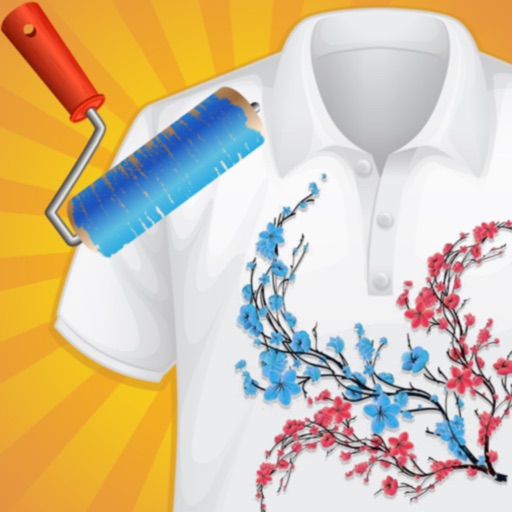
Create custom -shirts by selecting and applying colors to designs. Draw on shirt templates to personalize artwork. Save and share finished designs. Explore various tie-dye patterns and color combinations.
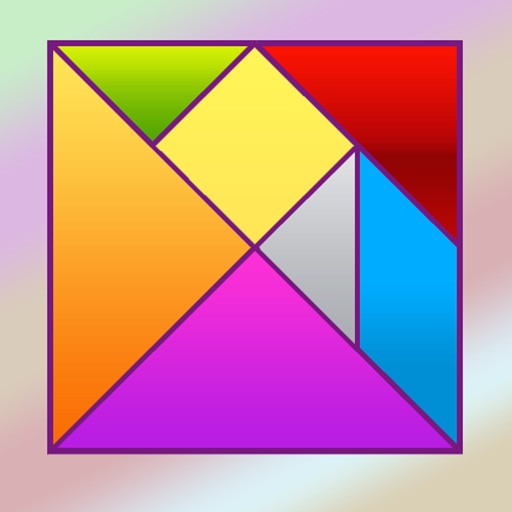
Solve puzzles by arranging seven geometric pieces into target shapes. Complete 150 unique challenges without overlapping pieces. Adjust piece positions and rotations to match each design.
View augmented reality art installations in real-time during events. Interact with digital artworks using gestures. Share creations on social media. Access event schedules and artist information.
The app allows users to create art from photos with a personal touch. It offers flexible export options including 4K images and movies of the entire session.
Edit photos to correct distortion, straighten images, and adjust non-rectangular shapes into rectangles. Manually or automatically correct tilt and distortions. Distort or reshape photos and graphics as needed.
Draw with a brush that adjusts width based on finger movement speed. Create Japanese calligraphy or watercolor paintings. Select or capture background images. Save or export drawings to other apps.
View PDF, TIFF, KAP, and KML files. Sync with iCloud, Google Drive, OneDrive, and Dropbox. Add placemarks, record tracks, and draw shapes. Share annotations in real time. Use tools like theodolite and georeferencer for map editing.
Creative Toolkit offers a wide range of for digital art, including detailed and broad stroke options. It includes diverse for text customization. Users can access tutorials and color palettes.
Stream music from Gospel artists. Play, pause, and skip tracks. Create playlists. Set reminders for prayer or meditation. Share songs or playlists with others. Sync with devices for offline listening.
The app allows users to create simple maps with various objects like lines, squares, circles, and text. It supports image import from the camera roll and saving or sharing creations.