Apps Like procreate绘画-sketchbook画画 for iPhone and iPad
Draw, share, and create art anytime
Create and share original art with a wide range of brushes and tools for realistic drawing. Draw geometric shapes like rectangles, ellipses, and circles. Practice handwriting, signatures, and calligraphy. Share creations with a community of artists.
by 林 李★ 1.01 ratingsProductivity$1.99Data updated 2026-09-16
Use phone camera to project images onto surfaces for tracing. Access templates for drawing and coloring. Color traced images to create artwork. Share finished drawings directly.
The app allows users to easily draw, diagram, and demonstrate football plays. It offers features for creating and sharing virtual playbooks with animation and multiple drawing tools.
Create and edit music using waveform drum pads and beat-making tools. and files from your library or Dropbox. Remix and compose tracks. Share creations and kits with the community. Export and send files via email.
Draw a -Rex by adjusting poseable limbs and joints. Use reference tools and skins for detail. Change camera angles and backgrounds. Animate natural movements for realistic poses. Select from various platforms and styles.
Create handwritten notes on iPad or iPhone. Import and annotate PDFs. Draw ink with finger, resize, recolor, and move doodles. Add text with customizable fonts, color, and alignment. Include shapes like arrows, polygons, and diagrams.
Create and share art text with customizable fonts and styles. nd send creative messages using built-in fonts. Convert images into emoji-style photos with various emoji options. Includes a for typing text in any .
Color images and blank pages for drawing. Use realistic painting tools. Zoom in and out easily. Watch video replays of drawings. Access a variety of pages. Express creativity through drawing and .
Create melodies by tapping on animated shapes that produce sounds. Customize rhythms and patterns. Adjust volume and playback speed. Share creations directly from the .
Create digital artwork using drawing tools, brushes, and layers. Adjust colors, opacity, and stroke settings. Save and export drawings in various formats. Access built-in help files for guidance.
The app allows users to create flipbook-style animations using touch drawing tools. Users can adjust brush width and color, manage animation frames, and save their creations.
Create condition reports with customizable templates, add logos and signatures, and share securely. Track assets, document damage, and collaborate in real time. Streamline reporting with pre-set checks and instant sharing options.
Create 3D lip designs using lipstick, lip gloss, color spray, and brushes. Apply rhinestones, lip rings, and nose rings for customization. Choose from various art styles like unicorn or rainbow. Adjust colors and tools to personalize lip designs.
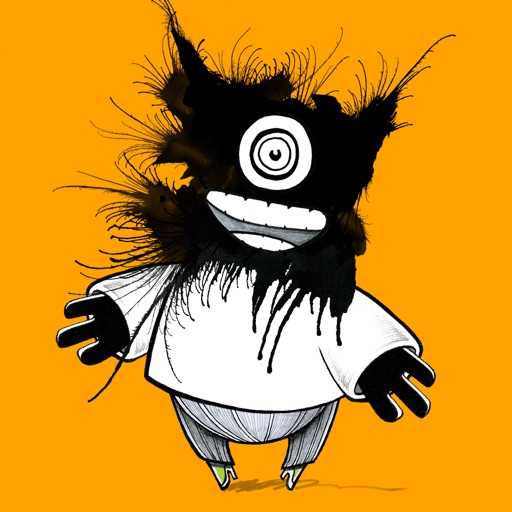
The app allows users to create their own monsters using over 500 handmade elements or by drawing. Users can add speech bubbles, pose with their creations for photos, and share them on social media.
Provides a collection of high-quality -themed backgrounds. Users can browse and set featuring art, calligraphy, and cultural designs. Options include rotating backgrounds and customizing wallpaper settings.
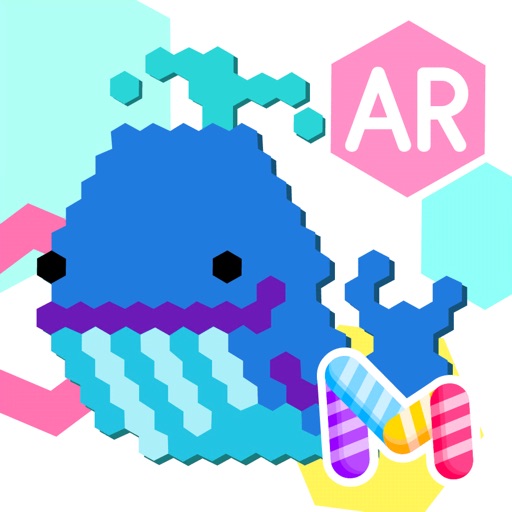
Create pixel art by tapping hexagons with colored pencils. Choose from a large library of images to color. Use freestyle mode for custom creations. Save and share artwork directly.
Create, edit, and annotate PDF documents. out and add signatures. Organize files and share documents securely. Export in multiple formats and manage storage. Collaborate with others through comment features.
Create professional handwritten signatures from names using AI. Apply signatures to documents and share them securely. Maintain consistent branding across all external communications.
Create art using AI-generated visuals based on text prompts. Adjust colors, styles, and compositions. Save and share . Collaborate with others on creative projects. Export in various image formats.