Draw on a or whiteboard with adjustable brush sizes and multiple paint colors. Create shapes like lines, arrows, circles, and polygons. Add text with customizable font sizes. Import photos and record video directly within the .
by Bita Sobhani★ 4.3137 ratingsProductivityFreeData updated 2026-09-16
Create drawings by importing images and adding layers. Use talking stickers that repeat spoken words sound. Access tools for detailed artwork. Design custom sets Talking and draw animated characters. Explore mirror painting for symmetrical art.
Teaches drawing through interactive lessons and animated strokes. Breaks down drawings into simple shapes. Allows users to practice on a digital canvas. Offers guidance for both beginners and experienced artists.
The app develops a child's creativity by allowing them to draw with colors and create music. It helps children perceive links between color, sound, and shape, offering a unique sensorial experience.
Create digital notes and sketches on a blank canvas. Draw freehand or use preloaded templates. Erase or clear sections. Save and share drawings. Collaborate in real time with others. Import images and text. Adjust colors and brush sizes.
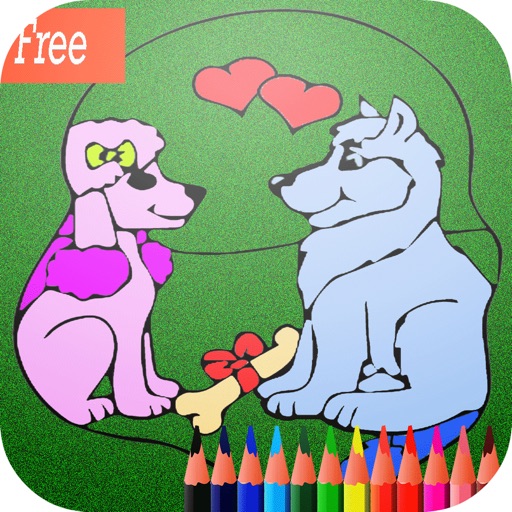
Color and draw animals like lions, tigers, and elephants on a virtual coloring sheet. Select colors, use brushes, and add details to create custom artwork. Save or share completed drawings. Includes printable pages for offline use.
Explore interactive educational activities with Bibi.Pet. Create buildings using construction pieces and play with colored balls. Engage in playful learning experiences that encourage creativity and imagination.
On , blank canvas, or images using pen, line, arrow, and shape tools. Edit photos with filters, adjustments, effects, and cropping. Customize tool size and opacity. Add text, stickers, and emotions. Export drawings in various formats.
Children can select animal-themed pages to or draw. They can customize colors, add patterns, and save their artwork. Features include a variety of like dogs, birds, and elephants, and the ability to create and share their drawings.
Play interactive games to learn the alphabet, count numbers, and recognize shapes. Practice memory, logic, and concentration through puzzles and pattern games.
Create art by following lines with customizable brushes and bright colors. Choose from various patterns and tools. Save and share completed drawings. Adjust colors and brush sizes for detailed painting.
The app offers 16 writing textures and 28 writing papers for learning shapes. It includes a "users Try" mode, pre-writing stroke practice, and customizable difficulty levels.