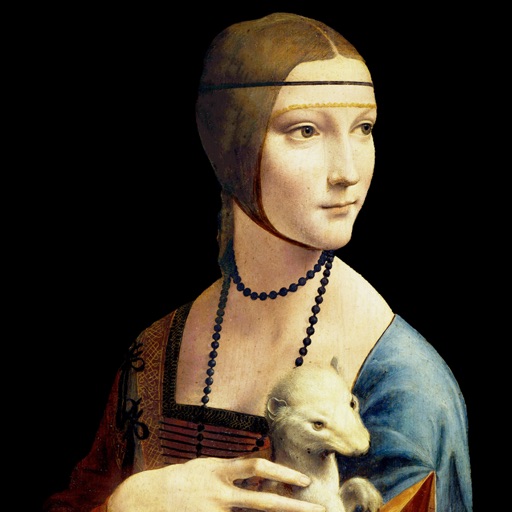
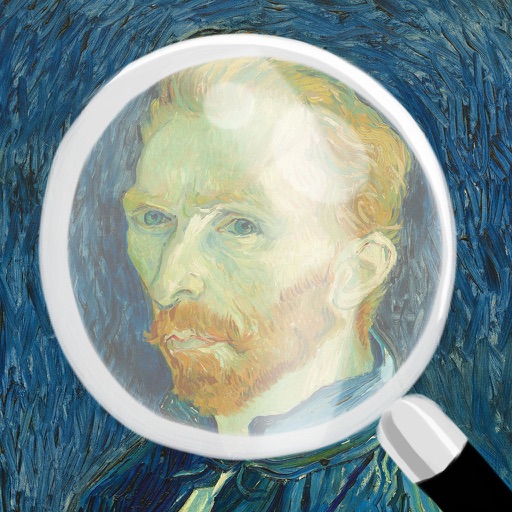
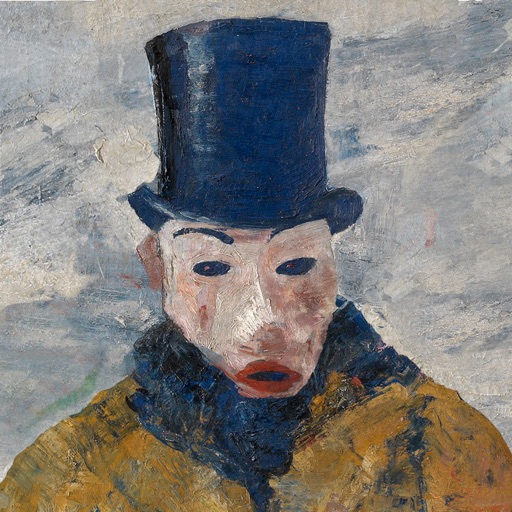
Explore art history with 140 paintings by renowned artists. View immersive slide shows and click images to identify artists. Browse a database to access detailed information about artworks and artists. Take quizzes to test and enhance art knowledge.
by NORMAND MARTIN★ 4.7728 ratingsEducationFreeData updated 2026-09-15
Create art by selecting colors and filling in grids. Choose from pre-designed artworks or design custom pieces. Save and share completed projects. Access a library of free art templates. Adjust color palettes and grid sizes for different projects.
Explore cultural landmarks with detailed audio guides and video content. Scan artworks to identify them and access historical context. Book tickets, view maps, and plan visits to museums and galleries.
Allows users to based on numbers to create artwork. Select colors and apply them to numbered sections. Save and share completed drawings. Track progress and revisit previous creations.
Explore curated artwork from various art movements and styles. Learn about painting techniques, historical context, and artist backgrounds. Search for past artworks using a calendar view.
Solve puzzles by matching shadow pieces to complete images. Choose from various artwork themes. Customize difficulty. Track progress and complete puzzles to unlock new art. Share completed puzzles via social media.
Games allow users to select color by number puzzles and images by tapping colors. Features include on pages, recoloring existing artwork, and saving progress. Users can access pixel art books and sketch freely without internet connection.
Explore art history by selecting a category such as Contemporary Art or Impressionists. Identify artworks based on descriptions and images. Earn points and badges for correct answers. Track progress with achievements and rankings.
Explore detailed information about including title, artist, creation date, dimensions, medium, and current location. Mark as favorites for quick access. Add customizable widgets to your home screen for easy viewing.
Create and customize interior designs for virtual homes. Select and apply paint colors, add decorative elements, and arrange furniture. Save and share completed designs. Participate in art shows and expand your gallery.
Rescue balls by rotating the 3D scene and pulling them. Aim accurately to avoid jams. Match three same-color balls to fill the painting. Use the hold spool to store temporary pieces. Create artwork by completing color matches.
Link numbers in sequential order to reveal hidden artwork. Plan paths carefully to connect numbers. Clear grids to progress and unlock new paintings. Adjust difficulty settings and track progress through levels.
Create art by connecting lines to form shapes. Drag lines to points and avoid overlaps. Nails are fixed in place. Play offline without time limits or penalties. Suitable for all ages.
Create art with and drawing tools. Select from animal images like dolphins, bats, and lions. Use brushes and pencils to color. Save and share finished artwork. Features include animated visuals and interactive elements for young children.