Create 3D images using one or two devices. Capture photos simultaneously with two devices. View 3D images by crossing eyes. Includes tutorial for cross-viewing technique. Preview 3D images before finalizing. Share 3D photos directly.
by Kevin Anderson★ 4.851 ratingsPhoto & VideoFreeData updated 2026-09-15
Add , captions, and fonts to photos with customizable layers. Choose from hundreds of fonts and colors. Resize, rotate, and position freely. Export edited images in various formats.
The app generates Single Image Random Dot Stereogram (SIRDS) and Single Image Stereogram (SIS) images. It supports customizable dimensions, hidden-surface removal, and various image file types for depth maps and patterns.
Capture and edit photos with manual controls for exposure, focus, and white balance. Adjust colors, contrast, and sharpness. Crop and rotate . Share edited photos via social media or email. Print high-quality portraits with professional settings.
Capture photos with built-in compass and location data. Display cardinal direction and precise coordinates within images. Export photos with embedded metadata. Sync with organizational systems for photo management.
Enhance low-quality images into high-resolution photos using AI upscaling. Preserve and add fine details during enhancement. Use custom prompts to adjust lighting, backgrounds, and specific details for precise edits.
The app offers a collection of icons, symbols, and pictures in PNG format with transparent backgrounds. These graphics can enhance presentations, books, and websites, making documents more attractive.
The app embeds images directly into HTML files, ensuring visibility without internet access. Users can control image resolution, file size, brightness, and contrast.
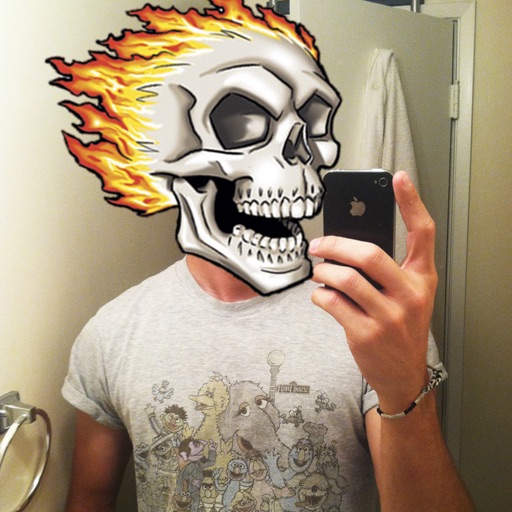
The app offers a real-time photo editor for skeleton makeup enthusiasts. Users can select from over 100 skulls to modify photos and avatars directly from the device's camera.