Create 3D images using one or two devices. Capture photos simultaneously with two devices. View 3D images by crossing eyes. Includes tutorial for cross-viewing technique. Preview 3D images before finalizing. Share 3D photos directly.
by Kevin Anderson★ 4.851 ratingsPhoto & VideoFreeData updated 2026-09-15
The app allows users to create time-lapse and stop-motion projects using their device's camera features. Users can import images and videos, edit them with various tools, and export UHD 4K+ videos with custom settings and filters.
Create AI-generated images and videos from photos. Edit generated content with filters and effects. Export in various formats and share directly. Add text and stickers to visuals. Adjust lighting and colors for realistic results.
Create time- and stop-motion videos with intuitive controls. Adjust speed, add transitions, and apply filters. Export in various formats and share directly. Sync with cloud services for backup and access.
Create art by coloring pre-designed images. Select colors from a palette and apply them to sections of the artwork. Zoom in with two fingers for detailed work. Save and share completed designs.
Capture 360° HDRi images using multi-exposure panoramas. Adjust dynamic range settings. Stitch and export 32-bit EXR format files. Generate realistic 3D lighting and lightmaps for animation and compositing.
Take photos using an analog interface with flash and shutter controls. Capture indoor images by pressing the flash button and holding it while taking the shot. Share photos with the # hashtag.
Edit photos by overlaying multiple images. Adjust blending modes and exposure settings. Access a collection of pre-designed overlays and effects. Save and share the final mixed image.
Add realistic lighting to photos with Bokeh, LensFlares, Light Leaks, Spotlights, and Rainbow . Adjust intensity and position interactively. Export edited images directly.
Remove from images using AI-powered cutout. Select between "Star" mode for edge detection or "Auto" mode for pixel-based erasing. Save transparent images for use as stickers in other apps.
Remove backgrounds from images to create transparent or customized backgrounds. Edit photos to eliminate imions. Replace or erase backgrounds for product images. Export edited images in various formats.
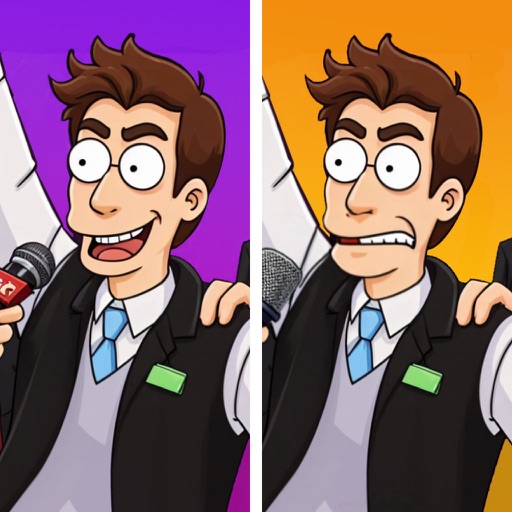
Compare two images side by side to identify subtle differences. Tap on found differences to mark them. Track progress through multiple levels with increasing difficulty. Share completed puzzles with friends.
Capture property photos and share listings instantly
Capture high-quality HDR images for real estate listings. Edit photos with AI-powered tools for enhanced clarity and color. Share listings directly to social media and real estate platforms. Manage property details and view analytics for performance.
Edit photos with stickers, filters, and effects. Add text and customize images. Share edited photos directly. Retouch images with over 200 -themed stickers. Save and export in various formats.
Stitch multiple photos into a single image. Share the result on Facebook, Twitter, and Tumblr. Adjust alignment and spacing between images. Export in various formats.
Capture photos with a retro film aesthetic. Adjust exposure, contrast, and color balance. Add vintage filters and grain effects. Share edited images directly to social media. Export in high-resolution formats.