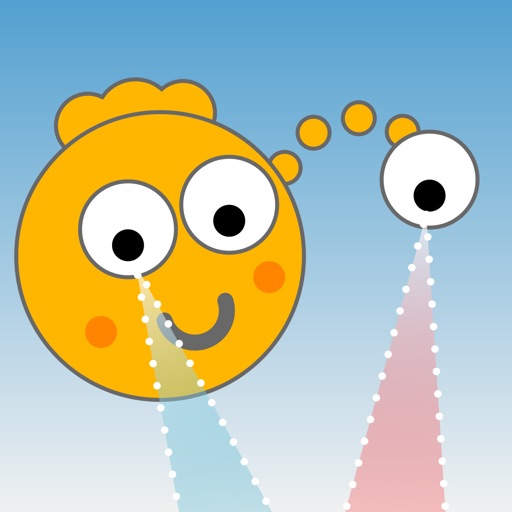
Create 3D images using one or two devices. Capture photos simultaneously with two devices. View 3D images by crossing eyes. Includes tutorial for cross-viewing technique. Preview 3D images before finalizing. Share 3D photos directly.
by Kevin Anderson★ 4.851 ratingsPhoto & VideoFreeData updated 2026-09-15
The app uses an automatic colorization technique based on scribbles to change object colors in photos. Users can mark parts of an image with any color and the app will apply the changes.
Add cute and funny labels to photos of children. Edit images with customizable borders and stickers. Organize photos into albums and share edited content directly.
Create collages by adding photos and selecting aspect ratios. Choose landscape or portrait orientation. Add text to the collage. Shuffle for new layouts. Adjust design with an intuitive interface.
Edit photos by describing desired changes. AI instantly transforms images. Remove objects, enhance portraits, or restore old photos. Generate new images, stickers, and emojis from text. No complex tools or editing skills required.
Enhance photos with AI-powered cleaning, color correction, and clarity adjustments. Remove blur, restore details, and convert black-and-white images. Export edited photos in high resolution and share directly.
Take photos and videos remotely using AirSnap, a feature that lets you control the from your phone. Adjust settings like focus and exposure. Edit images with cropping, filters, and adjustments. Share directly from the .
The app allows users to add mustaches, beards, and hairstyles to photos. Users can select from over 190 mustaches and other accessories to enhance their images.
Add photos to contacts from web or library. Display images in Mail, Messages, Phone, FaceTime, and Contacts. Show faces during calls and notifications. Use widgets to view pictures.
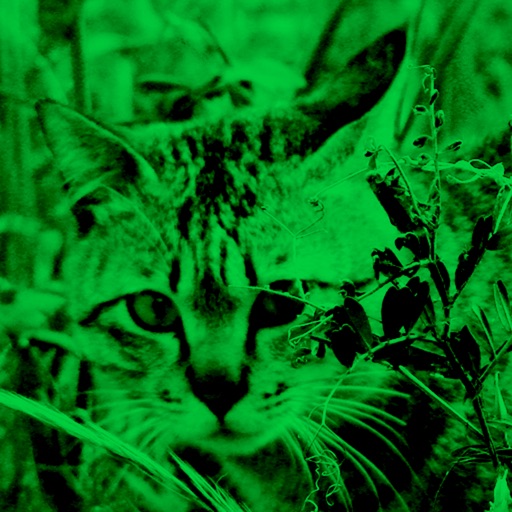
Enhance low-light photos with increased light intake and 8x zoom. Apply thermal imaging, green mode, and binoculars effects. Adjust brightness and contrast for clearer images in dark conditions. Share edited photos directly.
Automatically combines multiple screenshots into one seamless image. Users can stitch screenshots from chats, websites, or apps. The aligns images intelligently without manual adjustments.
Preview and playback videos from connected driving recorders and sports DV devices. Download pictures and videos for offline viewing. Share selected media to social networks. Sync devices via WIFI for real-time access.
Edit photos with filters, overlays, and effects. Create collages and visual stories. Track pregnancy milestones and growth. Add text and stickers to photos. Share edited images directly.
Edit photos by swapping faces using AI technology. Adjust facial features and apply filters. Copy faces from one image to another. Create realistic or humorous -over effects. Share edited images directly.
Capture photos with a cinematic mood using a 35mm lens and 16:9 or 2.39:1 aspect ratios. Apply film- filters, add text overlays, and adjust color grading for a -inspired look. Export and share edited photos directly.