Control gameplay using iPhone, iPod Touch, or iPad as a wireless controller. Choose joystick or tilt mode. Connect up to 8 devices to a single game session. Perform actions like placing bombs, switching characters, and triggering explosions.
Control your computer via WiFi from up to 30 feet away. Customize keypads for professional tools. Adjust layout and add navigation pads. Connect using a helper installed on your computer. No line of sight required.
Control compatible network devices to play music in individual or all rooms. Access music streaming services like Pandora, Spotify, DEEZER, and TIDAL. Manage playback and adjust settings through an intuitive interface.
The app connects Panasonic network compatible stereo systems to a home wireless network. Users can easily connect the stereo system without browser setup by entering the home wireless network password.
Manage files across devices with transfer, sharing, and remote control. View and respond to notifications. Mirror screens and control device settings remotely. Organize files and folders. Send photos and documents to others.
YouTube videos from iPhone or iPad to TV or speakers on the same network. Select videos to stream. Supports Western Digital Media Players and Samsung SmartTVs. Requires active internet connection.
Control Smart TVs, DLNA receivers, and wireless adapters from an iPhone. Mirror iPhone on TVs, laptops, and other devices with high quality and low latency. Cast YouTube videos and media files to a TV .
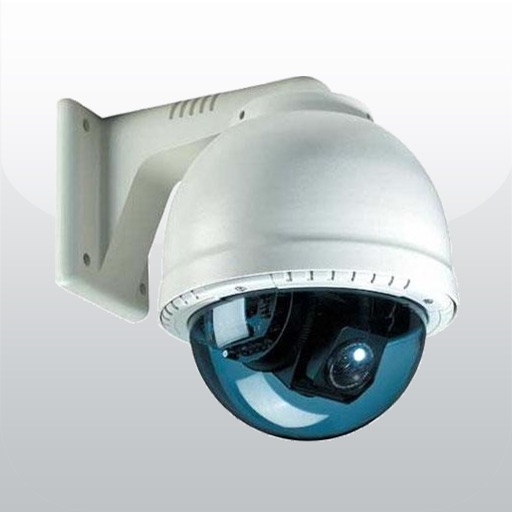
Allows users to view live video feeds from IPC and DVR cameras via cloud login using a serial number or QR code. They can play local recordings, take snapshots, search for images, and control PTZ cameras.
Control compatible network A/V devices remotely. Adjust volume, select sources, and manage playback. View system status and access settings. Navigate with a simplified interface and support for iOS 12 or later.
Print documents and photos from your iOS device using a local wireless connection to a printer or all-in-one machine. Scan documents to your device and preview scans before sending. Edit, fax, and check machine status directly through the .
Control compatible and Elite devices to play music in individual or all rooms. Adjust volume, select input sources, and manage playback settings. View device status and access playlists directly from the .
Turn your iOS device into a wireless flash drive for your Mac. Access files, stream videos, and view photos or documents from your Mac. Transfer files between devices and mount your iOS device as a drive on Mac or Windows.
Remotely view and control IP cameras, webcams, DVRs, and NVRs. Record video with motion detection and email alerts. Playback and export recordings. Use 2-way audio for baby monitoring. Supports RTSP, ONVIF, and H.265 protocols.
Control Samsung TV with an intuitive remote interface. Auto-detects TV and connects via Wi-Fi. Navigate menus, adjust volume, and manage settings. Requires iPhone or iPad on the same network as the TV.