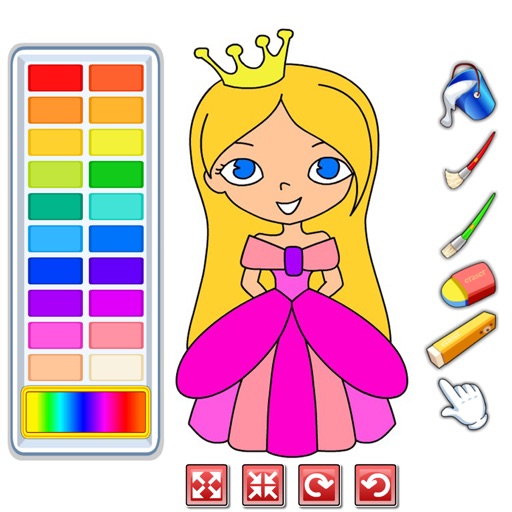
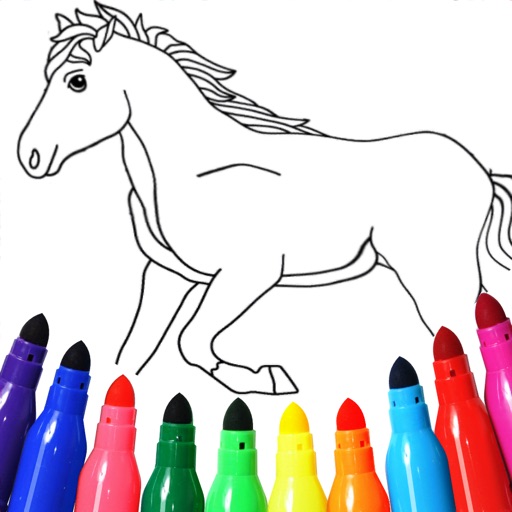
Allows users to fill in images with customizable colors. Drawing lets users create artwork using touch-based tools. Puzzle Image enables users to assemble pre-cut images. Word Fill helps learn animal names by completing missing letters.
by Hung Nguyen Manh★ 4.531 ratingsEducationFreeData updated 2026-09-15
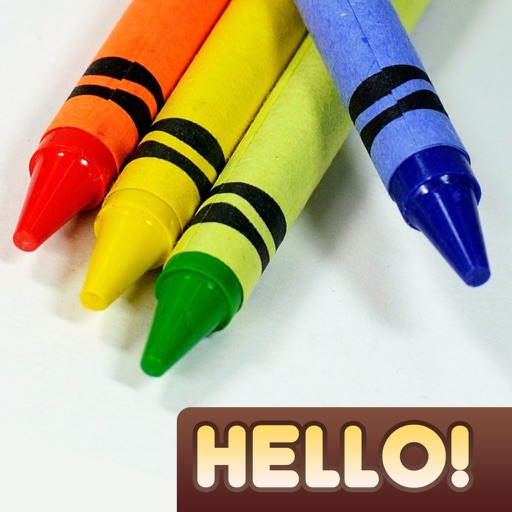
Create drawings using realistic crayon and marker pen tools. Listen to drawing sounds. Navigate with an intuitive interface. Access eight free coloring pages for practice. Explore related drawing apps for different mediums.
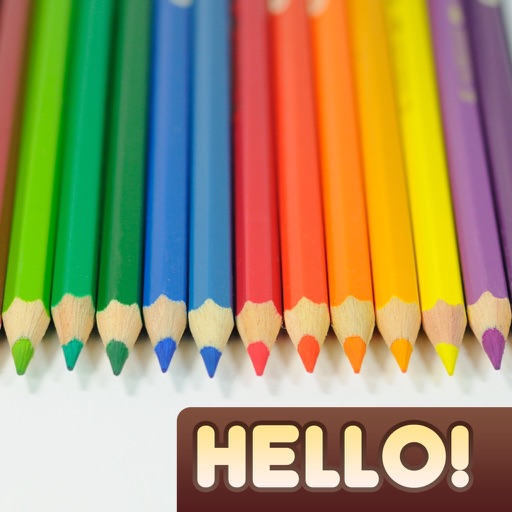
Create drawings using realistic pencils and marker pens. Listen to drawing sounds. Navigate an intuitive interface. Access eight free sketches for coloring. Explore related apps in the drawing series.
Allows users to select from various categories like animals, vehicles, and foods. Users can choose colors for their drawings and erase parts of the image. Images can be sorted by category for easy access.
Choose from a variety of images to color. Select and apply multiple colors and tools to customize designs. Save and share completed artwork. Adjust brush size and opacity for detailed work.
Create and color images using a variety of tools and templates. Choose from different color palettes and brushes. Save and share completed artwork. Include interactive to teach colors and shapes.
Kids can color, draw, and decorate with various brushes, crayons, and pencils. They can use stickers and graphics of animals, vehicles, insects, fruits, and food from multiple galleries.
The app offers 54 coloring pages featuring animals and creatures. It includes three coloring modes: smart, fill, and normal, with a user interface designed for simplicity and immediate transitions.
And puzzle allows users to select from 12 puzzle images or 40 images. Features include 38 colors, 38 regular colors, 9 pencil sizes, and an eraser. Users can save completed colored images.
Color images of characters and skins using bucket, pencil, brush, and eraser tools. Customize artwork with over 100 stickers. Access hundreds of images from the universe. Save and share completed colorings.
The app offers 54 coloring pages featuring animals and creatures. It includes three coloring modes: smart, fill, and normal, with a user interface designed for simplicity and immediate transitions.
Play a brick game with physics-based destruction. Break blocks by shooting inflatable cubes, wooden boxes, stones, and dynamites. Complete unique levels with varied challenges. Track progress through different game modes.
Create and customize artwork using hundreds of themed pages. Choose from various styles and colors to fill in lines. Save and share completed drawings. Explore a gallery of user-generated and pre-designed illustrations.
Create and customize drawings with a variety of colors and tools. Select from themed images to color. Add sounds and animations to enhance interaction. Save and share completed artwork.
Teaches letters through interactive games and animations. Includes number recognition from 0-100. Features color and shape identification activities. Helps develop phonics and handwriting skills.
Play with hundreds of stages and missions. Control with simple touch gestures. No internet required. Download lightweight file under 20M. Supports tablet screens. Available in multiple languages.
Offers and themed pages for drawing. Users can select from characters, animals, robots, and princesses. Features include easy navigation, saving progress, and exporting artwork. Suitable for all ages and interests in creative drawing.
Draw and color by swiping to match displayed images. Match patterns with your artwork. Collect gems to unlock brushes and tools. Explore 300 levels of painting with varying difficulty.
Pages allow users to select from 300+ pre-designed images and customize them with stickers. Users can create original drawings and enhance their artwork with various tools. Completed artwork can be shared with others.