Record videos with a 4K and add clips to projects via widgets. Edit vlogs by trimming multiple clips to the same length. Create quick recaps, intros, and previews. Browse content from specific dates. Use AI tools to generate images.
Create and import scripts for video presentations. Configure settings like speed and direction. Start reading with a live on-screen cue. Sync with devices for real-time display. Record audio and video directly within the .
Trim segments by splitting at desired positions. Cut and save selected clips. Undo accidental splits. Export trimmed videos directly. Share edited clips across platforms.
Record videos in resolutions including 1080p, 720p, 540p, 480p, and 360p. Choose a default resolution and set bitrate from 16.2Mbps to 0.25Mbps. Display maximum recording duration based on selected settings.
Edit videos by automatically identifying engaging moments with AI. Trim and rearrange clips, add text and transitions. Export to TikTok, Instagram Reels, and YouTube Shorts. Share directly from the .
Split and merge segments for social platforms. Cut and edit portions. Share split parts directly. Upload HD videos for stories on WhatsApp, Instagram, Snapchat, TikTok, and other apps. Create and sequence long stories.
Broadcast video to Facebook, YouTube, Vimeo, and Twitch. Stream simultaneously to multiple platforms. Support 4K and 1080P resolution. Adjust application and microphone audio. Encode and broadcast video. Supports horizontal screen orientation.
Allows users to download and stream videos from iCloud, Dropbox, Google Drive, and OneDrive. It supports network streaming and Wi-Fi transfer for adding videos. Users can trim, compress, and reverse videos.
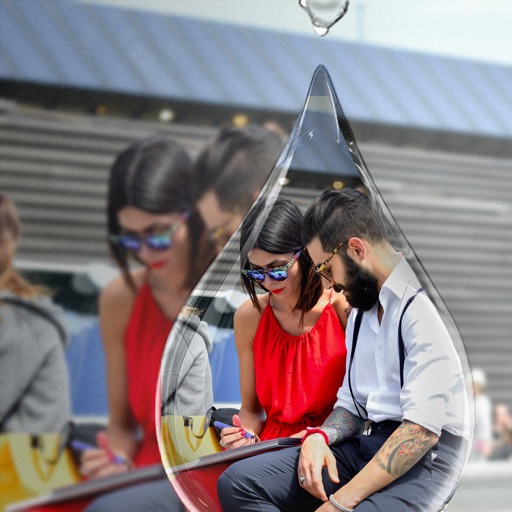
Edit photos with PIP frames, collages, and creative layouts. Add crystal bottle patterns and cartoon styles. Share edited photos directly to social media. Adjust brightness, contrast, and colors. Crop and rotate images.
The app batch processes unsynchronized clips exported from Final Cut Pro X. It synchronizes audio and video clips using jam-synced timecode and content creation dates.
Record video from two cameras at once using Ultra Wide, Wide, Tele, or Selfie lenses. Swap between main and secondary views by tapping. Adjust image settings for each camera. Choose Full Frame or Full Screen preview modes.