View abstracts, presentations, speakers, and exhibitors from . Take notes on slides and draw directly on them. Share notes via in- messaging, email, or social media.
by Regulatory Affairs Professionals Society★ 4.7223 ratingsEducationFreeData updated 2026-09-15
International Foodservice Distributors Association, Inc.
Browse presentations, speakers, and exhibitor details
Browse presentations, presenter information, and exhibitor details from . Access event resources and navigate schedules. Save and download materials for later review.
Record audio notes with AI transcription for meetings, lectures, and ideas. Organize and edit summaries, share transcriptions via web and third-party platforms. Securely store audio and text notes with private access controls.
Use your iPhone to control on a Mac. Change slides in Keynote or PowerPoint. Draw remotely with color and tool options. Clear the screen by swiping left. Access flashlight by swiping right. Repeat last drawing action. Enable typing.
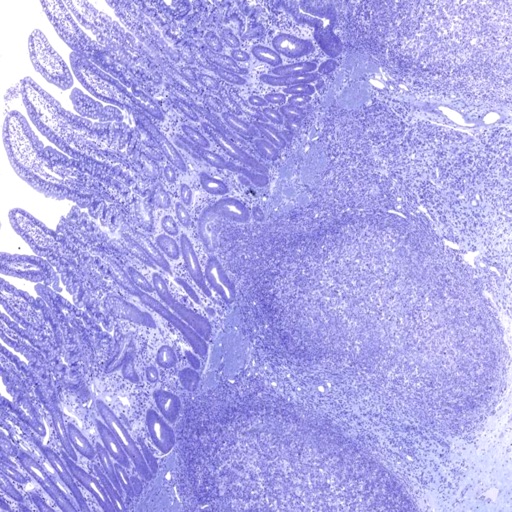
View ultra-high-resolution images of tissue samples. Zoom in and pan across microscopic slides. Access detailed annotations and labels. Search for specific tissues or structures. Compare images side-by-side.
Register for sessions, access schedule, view exhibitors
Register for breakout sessions and view the conference schedule. Access key links, exhibitor information, and speaker details. Retrieve session materials and navigate event locations.
Learn histology with interactive slides and quizzes. Explore 19 main topics and 148 subtopics. Identify 2179 slides based on photomicrographic images. Test knowledge with built-in assessments. Access content offline without internet connection.
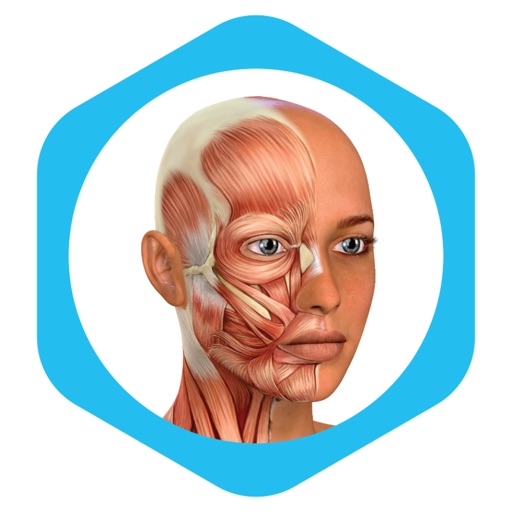
Learn through interactive slides, quizzes, matching exercises, and anagrams. Study anatomy, physiology, pathology, diagnostic testing, and treatment. Test knowledge with practice questions and review key terms for better retention.
Watch messages, give tithes, connect, follow notes,
Watch sermons and messages, give tithes and offerings, and connect via in- messaging. Access Bible readings and listen to scripture. Follow teachings with in- notes. Join live streams and view information on involvement opportunities.
Create and review flashcards with swipe gestures to flip . Draw notes freely with finger or Apple Pencil. Hold to flip card over. Shake for random card. Swipe down to cancel or up to delete.
Take notes during lectures with recording and automated transcription. Copy notes with one tap. Organize content into structured sections. Highlight key terms and save notes for later review.