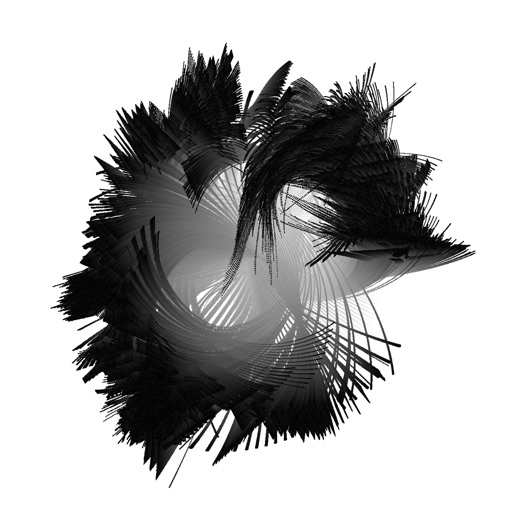
Create and animate particle effects in space with drawing tools and customization options. Adjust particle colors and gravity settings. Import images and record videos in full version. Supports iPad for enhanced experience.
by Johannes Pfahler★ 4.514 ratingsEntertainmentFreeData updated 2026-09-15
Create collages by combining up to 16 photos. Choose from 250+ templates. Import and resize photos. Customize with backgrounds, frames, stickers, and text. Adjust angles and select from various fonts and colors.
Create art using realistic and watercolor effects. Draw with tools like marker, airbrush, crayon, and eraser. Apply fluid-based watercolor effects in the full version. Adjust colors and blend textures for detailed illustrations.
Allows users to study fundamental concepts of mechanics. Explore topics like atoms, particles, and energy interactions. Access clear explanations and diagrams. Track progress through interactive exercises and quizzes.
Children can draw simple shapes and characters like butterflies, frogs, and cars. Completed drawings animate to life with movement and sound. Users can explore creative tools, customize characters, and interact with animated results.
Create and animate 3D characters using MMD models and Hub. Import PMX files for characters and scenes. Access tutorials on YouTube and join Discord for support. Animate characters with dance motions and customize appearances.
Convert photos and videos to art with 30+ styles and 10+ effects. Record art videos directly or apply the style to existing clips. Save results as videos, live photos, or gifs. Adjust settings to customize the pixelation effect.
Edit photos with tools like Pen, Line, Arrow, and Rectangles. Apply filters, effects, and enhancements. Add text, stickers, and adjust lighting and color. Remove blemishes and red-eye. Crop and resize images.
Create that pop with sound, float across the screen, and fall due to gravity. Draw letters, numbers, and shapes with touch input. Interact by touching to move and explore simple drawing features.
Create and customize Fixie characters by drawing, coloring, and animating them. Interact with a set of pre-designed Fixie characters that fix household appliances. games featuring these creatures and their gadgets.
Scan problems from textbooks, screens, or handwritten notes. Get instant step-by-step solutions and explanations. Solve complex word and geometry problems. Access solutions anytime for continuous learning support.
Create art with a wax simulator that mimics real-life drawing. Adjust stroke size based on finger contact area for precise control. Draw thin lines with fingertips or broad strokes with full finger pressure.
Play against global opponents in mode. Choose between Opponent or Random Match . Improve skills with single-player mode. Features realistic physics, player statistics, 33 achievements, and over 20 custom cues.
Create plays using a drag & drop interface that snaps to players. Plays animate automatically with optional or synchronized actions. Build full playbooks by dragging plays from a library and export as shareable links or PDFs.
Explore interactive games for children, including popping, coloring, and food pop activities. Learn colors, shapes, and basic math through playful challenges. Track progress with fun animations and sound effects.
Create and manipulate realistic fluids with unique behaviors. Experiment with , lava, and other substances. Simulate explosions to sink ships. Interact with a ragdoll for destruction and movement.
Images using customizable tools and colors, save creations to your photo library. Write notes as images and store them. Edit photos basic tools and save results.
Set live with animated effects. Choose from various categories or upload a photo to customize. Add sparkling widgets and icons to home . Apply animated to and enable dynamic background effects.