Track and organize personal relationships by adding , notes, and labels. Search contacts by name, label, or notes for quick access. Sync data across devices using the same email account.
Documents and save as PDF in a folder automatically. Single tap to start scanning. Automatically detects and crops documents. Fixes skewed pages and names files with timestamps. Uploads instantly. Choose folders and disable automatic mode as needed.
Create invoices, estimates, bills, and receipts with customizable templates. Add line items, set payment terms, and send via email. Track payments and generate professional documents for freelancers and small businesses.
Create proposals directly from a phone. Add text, images, and pricing. Save and share documents via email or messaging apps. Track client contacts and project details. Integrate with calendar for scheduling meetings.
Manage email and SMS/Viber campaigns by creating and sending them from iPhone or iPad. Add and view subscriber lists, manually input emails, and track opens and clicks with detailed analytics.
Use GPT-4 to ask questions about various topics like sports, news, health, economics, and relationships. Access information without searching the web. Get quick answers and perform tasks through natural language interactions.
Manage work orders, customers, contacts, locations, tasks, and products directly from a device. Create and assign tasks, track service progress, generate invoices, and update customer information in real time.
Sync documents to the cloud for access anywhere. Share files with colleagues, clients, friends, and family. Stream music directly to iOS devices. View and collaborate on photos, videos, and documents.
The app provides secure backup, storage, and access to digital content across multiple devices. It allows users to manage content from various social platforms in one location.
Allows users to create and store reusable of text, code, and templates. Access instantly via the keyboard during typing or from selected text. Sync across iPhone, iPad, and Mac using iCloud.
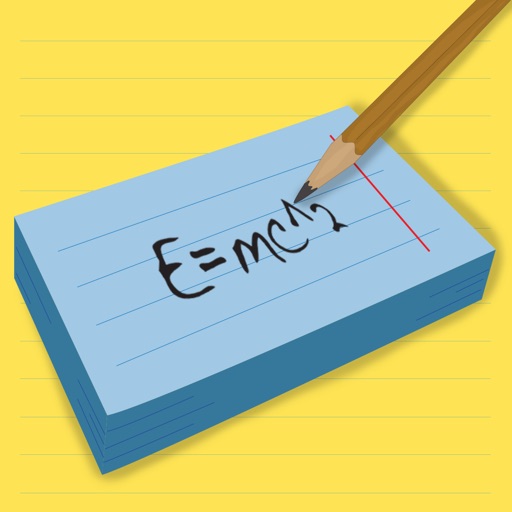
Create and review flashcards with swipe gestures to flip . Draw notes freely with finger or Apple Pencil. Hold to flip card over. Shake for random card. Swipe down to cancel or up to delete.