Explore a 3D model of the International Space Station. Rotate, zoom, and select individual components for detailed views. Access information tabs for part descriptions, hierarchy, settings, and details. View the entire ISS with labeled categories.
by NASA★ 4.916 ratingsEducationFreeData updated 2026-09-15
Help robots complete chores like cleaning oil spills and organizing parts. Fix the control panel and mend circuits. Explore hidden interactive areas and find the hidden robot mouse.
The app offers 12 exercises for practicing over 500 words and custom words. It includes fill-in-the-blank, copy, spell what users see, and spell what users hear modes with adjustable difficulty and a cueing hierarchy.
Learn COLREGS rules through interactive visuals and memory aids. Practice exam answers with customizable quizzes. Track progress with built-in assessments and review tools.
Solve puzzles to an inn. Gather clues and progress through rooms. Save screenshots for reference. Adjust puzzle difficulty for clearer gameplay. Explore a tranquil forest setting with quiet ambiance.
Explore aircraft systems with interactive diagrams
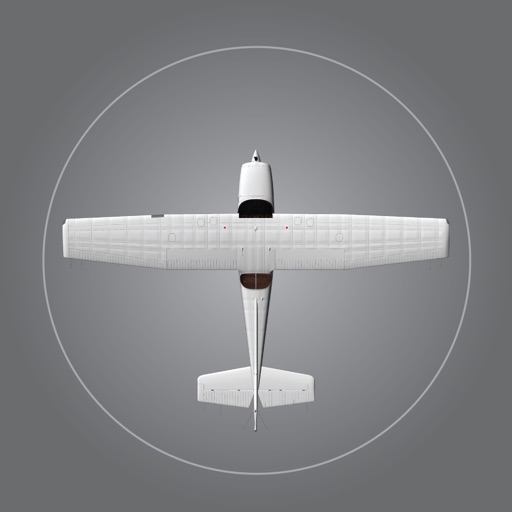
Study aircraft systems and limitations with organized chapters and interactive diagrams. Tap switches, levers, and buttons to see system changes. Practice normal and emergency operations. Correlate practical knowledge with POH descriptions.
Explore through animated visuals and interactive touch screens. Identify ear parts by tapping. Zoom, pan, and sketch on diagrams. Project for classroom use or public demonstrations.
Learn verb conjugations with a list of 600 basic . View regular and irregular conjugations, bookmark entries, and reference conjugation patterns for different tenses.