Edit photos with filters, cropping, and adjustments. Access portrait mode, double exposure, and manual settings. Scan high-resolution films. Share images via social media. Participate in photography challenges and view community submissions.
by Polaroid International B.V.★ 4.919,033 ratingsPhoto & VideoFreeData updated 2026-09-15
The app allows users to capture long-exposure photographs, creating images of moving objects. It offers features for capturing waterfalls, ghost photos, light trails, and low-light conditions with adjustable settings.
The app offers tools for photography, including depth of field, composition assistance, and light metering. It helps users learn about camera settings and supports various accessories.
Edit photos with AI-powered background removal and custom background options. Apply artistic effects like cartoon styles. Enhance portraits with AI adjustments. Export edited images in various formats.
Combine videos by selecting clips and specifying duration. Rearrange clips using drag-and-drop. Choose output sizes like 16:9, square, or 3:4. Export and share the final .
The app allows users to add text, stickers, and filters to photos. Users can create typographic layouts, design social media posts, and enhance pictures with various frames and adjustments.
Remote control Hasselblad cameras to adjust settings like aperture, shutter speed, and exposure. Browse and rate images. Connect via software or WiFi-enabled H5D, H6D, and X1D cameras. Supports X1D II and newer models with 2.
The app helps users take scanner-like pictures of documents and flat objects. It corrects perspective distortion and aids in focusing to preserve detail.
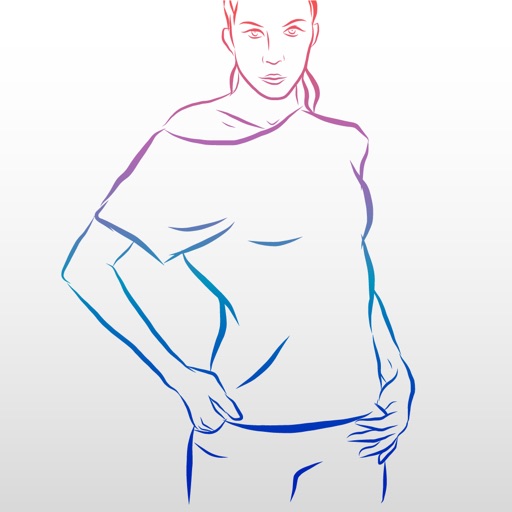
The app provides original photography records for posing references. It offers a comprehensive database with 500 exclusive poses for modeling tests and practical guidance on body posture and variations.
Record videos and photos in portrait orientation. Use real-time zoom for adjustable framing. Stabilize videos during movement. Capture FullHD images with clear detail. Share media directly from the notification center.
Capture photos without Apple's computational enhancements. Preview filters in real-time before shooting. Choose from curated film-inspired looks. View final results exactly as they will appear without post-processing.
The app allows users to create stop-motion and video films by importing media, recording sounds, and adding titles. Users can export animations in various qualities to share or upload.