Edit photos with filters, cropping, and adjustments. Access portrait mode, double exposure, and manual settings. Scan high-resolution films. Share images via social media. Participate in photography challenges and view community submissions.
by Polaroid International B.V.★ 4.919,033 ratingsPhoto & VideoFreeData updated 2026-09-15
Captures high-quality photos in low-light conditions with manual exposure settings up to 1 second. It includes separate controls for residual light and ISO enhancement. Users can adjust focus, white balance, and exposure compensation.
Capture and edit photos with in- filters and stickers. Print photos using a compatible instant printer. Share images and videos via social networks. Create augmented reality videos from single photos.
Offers DSLR-level photography with P and M exposure modes. Adjust shutter speed and ISO manually or automatically. Access film simulation settings for grain texture and contrast. Capture high-quality photos with mirrorless-level controls.
AI Photo improves blurry, old, or low-quality images using AI to remove blur and enhance details. Image restoration tools repair damaged photos. Facial analysis evaluates beauty with accuracy. Users can adjust brightness, contrast, and color.
Record short clips and layer them to create datamosh effects. Adjust frame repetition settings for random or ordered playback. Save outputs as images or videos. Fade back to live camera input during data moshing.
Edit photos with filters, cropping, and adjustment tools. Add text, stickers, and borders. Create collages and share directly. Export in multiple formats. Sync with social media platforms.
Capture photos with retro film filters and camera styles. Import images or videos to apply classic effects like Koda F, Polaroid, and 90s DV. Adjust exposure, contrast, and color to match desired film tones. Share edited content directly.
Beijing Lingguang Zaixian Information Technology Limited
Edit videos, photos, and GIFs
Edit videos with batch importing and splitting features. Add free fonts for titles and subtitles. Include exclusive music from top producers. Create GIFs and still photos. Share edited content directly.
Create collages by selecting layouts, adding photos, and personalizing with frames or templates. Arrange images in grids, freestyle, or pre-designed templates. Share directly to social media or messaging apps.
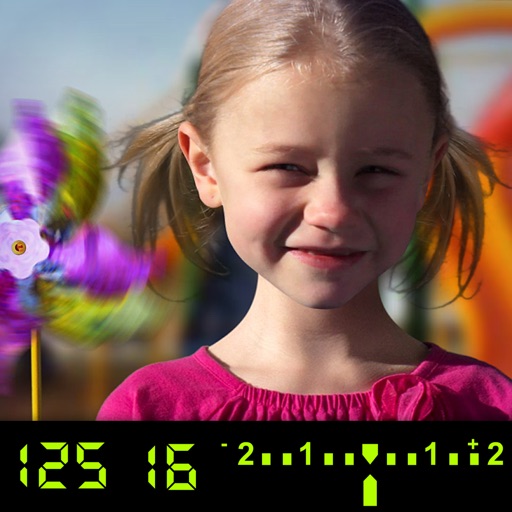
The app visually explains DSLR camera controls and allows users to experience the effects of various settings. It provides instant feedback and advice on user settings, making it a tool for learning photography.
Capture photos with a unique film style inspired by @hwa.min's aesthetic. Adjust color tones and lighting to match the film's warm, atmospheric look. Share edited photos directly to social media.
Edit photos with color filters, light effects, and frame borders. Apply effects like Instafit and Orton. Add film grain and adjust contrast, brightness, and saturation. Include text with 30+ fonts. Share edited images to social networks.
Edit photos with -themed and creative effects. Choose from gallery or camera sources. Apply enhancements for realistic visuals. Share edited photos directly.
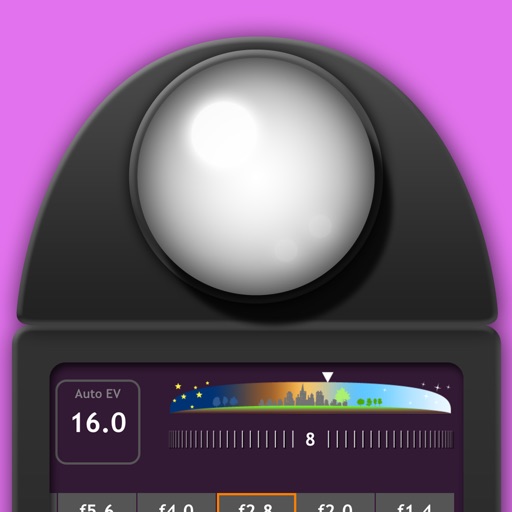
Measure EV values by pressing the left EV button to display aperture and shutter speed combinations. Adjust EV manually to preview brightness changes. Recommended for film camera enthusiasts.
Create collages by selecting multiple images and arranging them in different grid layouts. Add frames from a collection of 100+ designs to enhance images. Build personal stories by organizing photos and sharing them directly.
The app transforms selected photos into creative collages. Users can arrange photos on a canvas, adjust layouts, and customize individual pictures by moving or zooming.