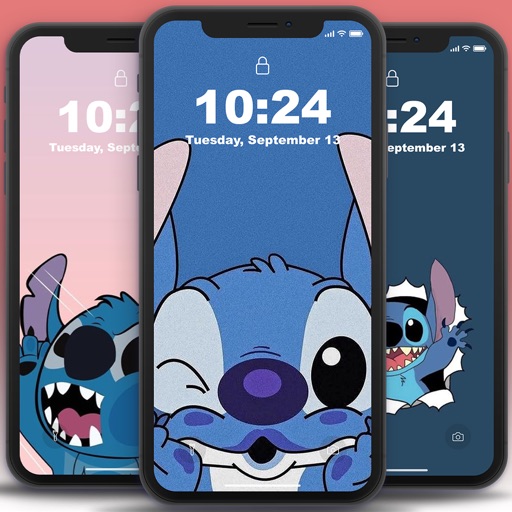
Customize iPhone appearance with still and live wallpapers from categories like nature, anime, and glitter. Choose from exclusive designs and ensure high-quality display. Replace lock screen with new customizable options.
Customize phone lock and home screens with icons, , wallpapers, and widgets. Add widgets for quick access to information. Use StandBy mode to display widgets and have a digital pet on the screen. Personalize device appearance and functionality.
Set home and lock screen with high-resolution images. Choose from static and animated options. Customize wallpaper settings for optimal display. Share via social media or messaging.
Create cracked or glitched wallpapers using 32 preset effects. Import images from the album to customize designs. Apply wallpapers as lock screens or share them to friends.
Create a minimalist home screen with . Choose from curated icon packs and wallpapers. Import personal photos to customize the background. Apply themes for a liquid, aesthetic look.
Customize home and lock screens with , , and widgets. Change with one tap. Add widgets for weather, calendar, and notifications. Choose from trending iOS 16 lock screen wallpapers.
Set live with motion effects and animations. Choose from various like aquariums, beaches, and geometric patterns. Customize lock screen appearance. Apply through a simple swipe interface.
Set device and with time-lapse sceneries, pet photos, and abstract patterns. Add animations to lock screen. Choose from curated collections and apply directly to home screen or lock screen.
Customize phone screen with widgets and wallpapers. Add images, text, and other elements to widgets. Mix and match wallpapers and widgets for unique design. Decorate phone with one tap.
View and save high-resolution featuring and in battle scenes. Learn about origins through educational content. Access illustration ideas for content creation. Apply selected images as device . Play puzzle games based on the monster showdown.
Customize device themes, , and with a vast library of styles. Apply wallpapers and adjust layout settings. Sync themes across devices and preview changes in real time.
Customize home screen with widgets, icons, and wallpapers. Choose from various widget styles including landscape, universe, and cartoon. Adjust fonts, text colors, and backgrounds. Select themes that include matching wallpapers, widgets, and icons.
Set iPhone 14 Pro with high-resolution images featuring themes. Choose from artistic and aesthetic designs. Add live through the Photos . Customize home screen and lock screen backgrounds.
Create custom island and wallpapers for iPhone models. Import a photo as background, choose from over 80 styles, and save to album or set as . Adjust settings to personalize design.