Create digital artwork with realistic painting and drawing tools. Use exclusive brushes mimicking real-world art mediums. Simulate fluid watercolor effects. Adjust brush settings for precision. Export artwork in various formats.
by Lofopi Ltd★ 4.628,580 ratingsGraphics & DesignFreeData updated 2026-09-15
Create drawings using bright colors and various brushes, glows, hearts, dots, and stars. Paint and record your sessions to review your artwork. Access pro features via optional subscriptions.
Generate AI art by typing any idea and watching it come to life. Create portraits, landscapes, and characters. Convert photos into artistic styles. Edit and download generated artwork in various formats.
Create digital art with natural-media brushes and exclusive media types. Sketch, draw, and paint on a blank canvas. Transform photos into artwork using AI and cloning tools. Access advanced features with a subscription.
Create and edit digital art with brush tools, layers, and color blending. Import photos and sketches. Adjust brightness, contrast, and saturation. Add text and shapes. Export artwork in various formats and share directly.
Pages allow users to select and customize colors for each section. Features include saving progress, sharing completed artwork, and accessing a library of themed pages. Users can zoom in for detailed and adjust brush sizes for precision.
Draw on physical paper using AR templates for tracing and sketching. Paint and color directly on paper with digital tools. Save and share artwork. Adjust brush settings for pressure sensitivity and stroke control.
Create 3D pixel art and voxel art using a full-featured voxel editor and pixel art editor. Use dozens of tools and brushes for block building, including pencil, bucket fill, and magic. Share creations via photos and videos.
Create detailed technical illustrations and artistic designs with vector editing tools. Draw, reshape, and color elements with precision. Import and export files in multiple formats. Use layers, masks, and effects for advanced design work.
Create intricate designs, patterns, and mandalas using intuitive drawing tools. Use a single stroke to generate complex artwork. Access a variety of brushes and color options. Save and share creations directly.
The app provides tools for drawing, coloring, and editing pictures. Users can create digital sketches, add text, and use realistic brushes for various effects.
Create digital art with drawing, coloring, and animation tools. Use versatile templates for Anime, Animals, Flowers, Landscapes, Mandalas, and more. Access dual drawing modes for layered artwork.
Create logos using hand-painted templates and design tools. Access exclusive brush fonts and art elements. Customize small business branding with color textures and paper backgrounds. Receive regular updates from professional artists.
Create and animate drawings with a variety of painting tools and brushes. Record and share artwork as videos. Use a whiteboard for tutorials and pitch recordings. Access symmetry and guides for precision. Export creations in multiple formats.
Create and customize digital artwork with a wide range of colors and brushes. Choose from pre-designed pages or upload personal images for . Switch to dark mode to reduce screen strain. Save and share completed drawings.
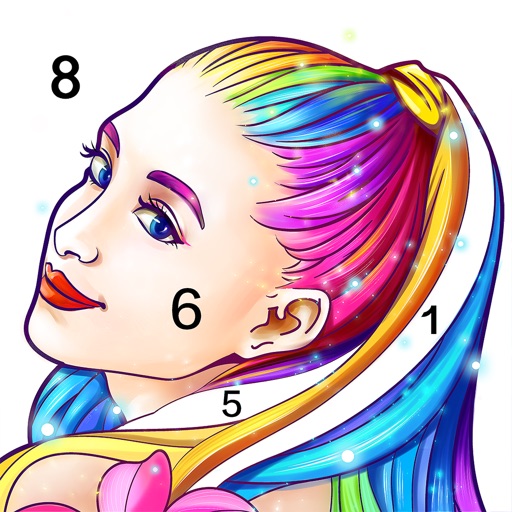
Allows users to pre-drawn images using numbered guides. Choose from themes like people, florals, animals, and mandalas. Create artwork by following -based instructions. Save and share completed designs.