Apps Like OLEDify Pure Black Wallpapers for iPhone and iPad
Edit to save battery power
Edit to convert dark areas into for OLED screens. Reduce battery usage by turning off pixels in dark sections. Apply custom to improve battery life and enhance display contrast.
by Pranoy Chowdhury★ 4.7342 ratingsUtilitiesFreeData updated 2026-09-15
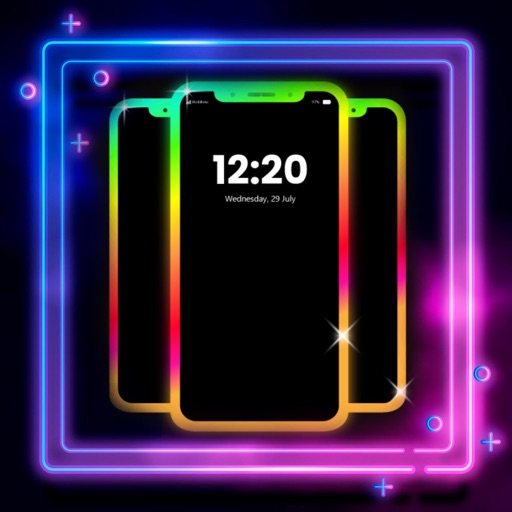
Create glowing borders around your phone's edges for both Home and Lock Screens. Customize colors, patterns, and effects. Sync with wallpapers for enhanced visual appeal.
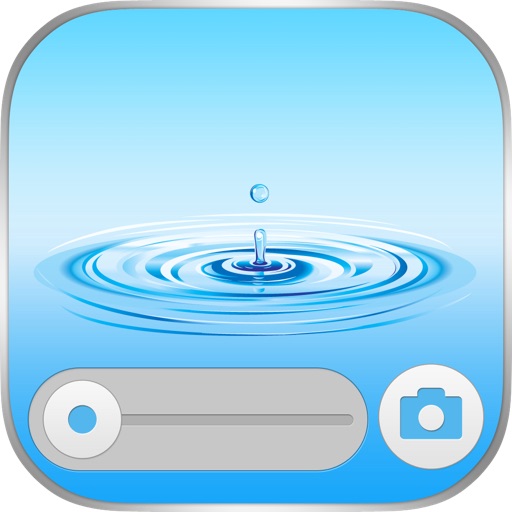
The app offers a wallpaper collection featuring water, nature, drops, bubbles, and splash elements. It provides designed wallpapers with time and slider overlays for users to select.
Countdown to with a timer feature. Set wallpapers and home screen images. Access video recipes for meal preparation. View poems and quotes. Share content via social media.
Find quotes by topic and create custom . Select from solid color, gradient, or photo backgrounds. Choose fonts and customize text with emojis. Adjust size, color, transparency, and layout. Preview and save the design.
Resize images to custom sizes with pixel, millimeter, centimeter, or inch units. Maintain aspect ratio by linking width and height fields. Save, email, print, or share edited images. No ads or in- purchases.
Customize album covers into personalized wallpapers using finely-tuned image processing and Progressive Blur. Save original quality covers with blur applied. Supports iOS and iPadOS devices. No ads.
Create virtual tattoos on photos by selecting from 100+ black and white or 60+ color totems. Add text or captions and adjust position, rotation, size, font, or color. Save edited images to the photo library or share via social media.
Resize photos and videos with custom dimensions, aspect ratios, and percentages. Adjust brightness, contrast, and color profiles. Apply 100+ templates for social media or anamorphic output. process multiple files.
Access a large collection of high-resolution from a diverse range of creators. Customize and edit your own with built-in tools. Set selected images as home or lock screen .
Download and set high-quality 4K wallpapers as phone backgrounds. Browse and select images to download. Share wallpapers with others. Apply chosen images as home or lock screen backgrounds.
Customize home screen with and wallpapers. Download and install for favorite apps. Replace default with personalized options. Set wallpapers for iPhone home screen. Install via easy installer feature.
Download and use wallpapers for iPhone, iPad, and Apple Watch. Access curated, high-quality images in various categories. Preview wallpapers before downloading. Share selected wallpapers to social media.