Create slide shows from photos with transitions and background music. Organize images, adjust photo duration, and add personal songs. Share videos on social media or save to the camera roll.
by 国媚 张★ 4.76,379 ratingsPhoto & VideoFreeData updated 2026-09-15
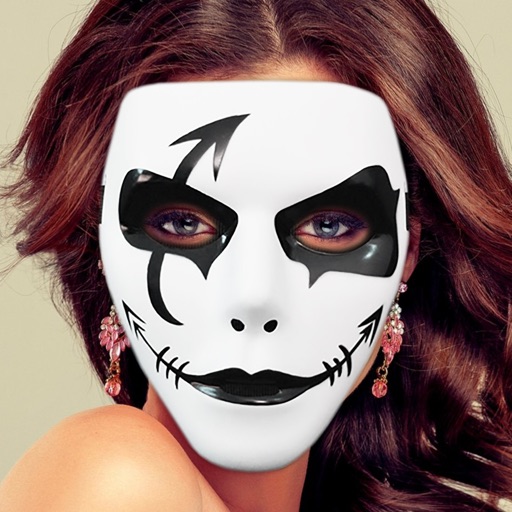
Decorate photos with customizable and effects. Choose images from the gallery or capture new ones. Adjust position, size, and angle. Save, share, or upload photos to social media platforms.
The app manages photos with 18 functions including camera, video, and editing tools. Users can apply numerous effects and filters to photos and videos, and display them in various carousel styles.
Edit photos by selecting from the gallery or using the camera. Apply multiple and effects. Adjust position, size, and angle. Save, share, or upload images to social networks like Facebook and Twitter.
Create self-portraits with sketch and artistic effects. Apply filters like sketch, painting, and pixelate. Save photos to the library or share on social media platforms. Print images directly.
Convert and to format without cropping. Select a background color and apply blur for background effects. Save the edited content to your camera roll for social media sharing.
Apply vintage filters and presets to enhance photos. Adjust brightness, contrast, and saturation. Add film grain and color tones. Save and share edited images directly.
The app provides 21 how-to videos for iDVD, covering interface, importing, Magic iDVD, adding photos, files, and chapters. It helps users create DVDs with selected movies and photos.
Create collages by selecting multiple photos and choosing from various layouts. Apply filters, add stickers, and include text to edit the . Generate 3D collages with different frames for a realistic 3D effect. Share the final directly.
Edit photos by selecting from the gallery or capturing new ones. Apply various and effects. Adjust position, size, and angle. Save, share, or upload to social media platforms like Facebook, Twitter, and email.