Create slide shows from photos with transitions and background music. Organize images, adjust photo duration, and add personal songs. Share videos on social media or save to the camera roll.
by 国媚 张★ 4.76,379 ratingsPhoto & VideoFreeData updated 2026-09-15
Create videos by selecting images from your gallery, adjusting their positions, and setting transition durations. Add music, custom frames, and stickers. Include text to personalize messages and share the final .
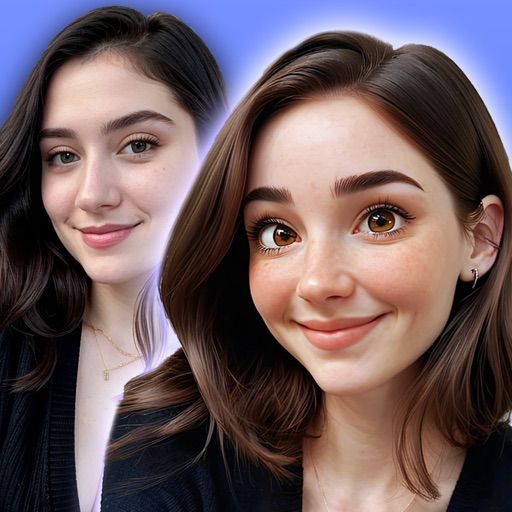
Convert photos into or anime-style images with AI-powered tools. Apply comic filters, adjust colors, and add artistic effects. and share transformed images directly.
Digitize old photos and slides by scanning with your device's camera. Convert images to high-quality digital format and colorize them. Save and share edited photos. and preserve documents and artwork.
Apply New frames to photos. Add stickers and shapes. Create collages with holiday patterns. Customize designs for Hindu culture celebrations. Share edited images directly.
The app creates home movies from photos, video clips, and music. Users can add subtitles and transition effects to share movies on Apple TV, YouTube, and iPhone.
Edit photos with resizing, cropping, and options. Add text, polaroid frames, and stickers. Generate square, landscape, or portrait images for social platforms. Export and share edited photos directly.
The app offers a variety of effects for photos and videos with real-time preview. Users can adjust brightness, contrast, and contour for different looks.
Enable remote communication with users by making video calls from an iOS device. Send text messages that display on the touchscreen. Share photos to the slideshow for visual interaction.
Create -style images from photos using AI-powered filters. Apply effects like toonify, child, and yellow head. Edit faces and generate 3D avatars. Share edited images directly.
Create and edit videos with background music and lyrical templates. Add magic effects and name-based templates. Export and share snack-style videos directly.
Edit photos by selecting from the gallery or capturing with the camera. Apply various and effects. Adjust position, size, and angle. Save, share, or upload images to social media platforms like Facebook, Twitter, and email.
Edit photos with holiday and add messages. Frame images with Christmas and New decorations. Share edited photos directly. Create collages and albums with customizable designs.
Apply -themed to images from the gallery or camera. Adjust frame size and position by rotating, scaling, zooming, or dragging. Choose from fifteen in various shapes and colors. Save edited photos to the device.
Edit photos by selecting from the gallery or using the camera. Add and adjust their position, size, and rotation. Crop images by dragging or scaling with two fingers. Share the edited photo directly.