Create animations using LEGO, clay, drawings, or everyday objects. Record frame-by-frame footage. Adjust timing, add sound effects, and export videos. Share directly to social media or email.
Capture photos and videos with iPhone or iPad using . Adjust focus and exposure with a slider. Control LED flashlight brightness manually. Automatically selects optimal lens for shots. Record videos in 4K at 60 fps or 1080p slow motion.
Create gifs with stop motion, cinemagraphs, time lapse, and reverse effects. Adjust timing, add text, and customize loops. Export and share directly from the .
Create animations and timelapse videos. Capture sequential photos to build animations. Adjust timing and transitions. Export videos for Instagram, TikTok, and YouTube. Add text and music to enhance stories. Share directly from the .
The app allows users to create animated GIFs from photos and videos. Users can edit existing GIFs or create new ones using stop-motion mode, then share them as files or links.
Edit photos and videos with 300+ filters and presets. Apply overlays and adjust colors and brightness. Save edits in multiple formats and share directly. Sync with social media platforms for seamless posting.
Record videos and photos with professional tools including focus peaking, false color, and histogram. Support PRORAW and RAW/DNG export. Adjust audio metering, custom resolutions, and frame rates. Use eight modes including slow motion.
Record videos and photos with controls including focus peaking, false color, and histogram. Shoot in PRORAW and DNG formats. Adjust audio metering, custom resolutions, and frame rates. Export logs and fat videos.
The app provides stop motion and time lapse video creation tools. It includes onion skinning, instant preview, thumbnail editing, speed control, and music import.
The app provides a digital magnifier with a flashlight for viewing small text and objects. It offers up to 12x magnification and can also function as a cosmetic mirror using the front-facing camera.
Capture photos in RAW format without ND filters. Select capture mode, adjust , and set duration. Merge images into a 12-bit DNG file for editing. Apply motion blur to create artistic effects.
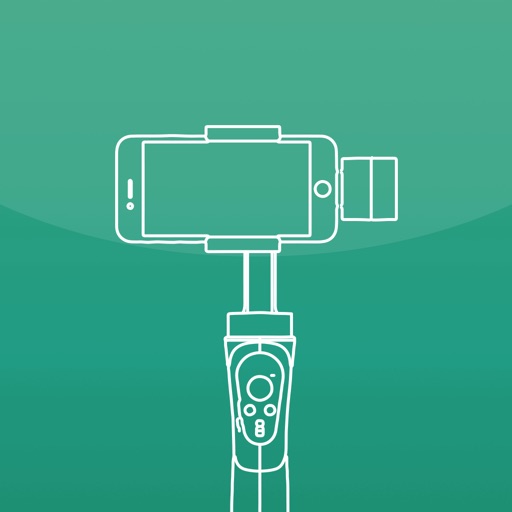
Control camera settings and gimbal movements for stable photo and video recording. Start motion-lapse or track modes for creative shots. Adjust settings and preview footage directly on the mobile device.