Store, view, and manage files on iOS devices without a Mac or PC. Transfer files wirelessly and backup contacts. Access a document viewer, file manager, voice recorder, and text editor. Perform operations like delete, move, copy, and email files.
Open and extract RAR files with a few taps. View a history of recently opened files. Share individual files or entire folders. Features a simple and clear interface for straightforward file management.
The app manages local and cloud files, supporting iCloud Drive, Dropbox, Google Drive, Box, and OneDrive. Users can play media, read documents, convert audio and video files, and share files via Wi-Fi.
Play audio files at adjustable speeds from 0.5X to 2.5X with precise control. Access study mode for A/B repeat and quick rewinding. Set a sleep timer to automate playback shutdown. Control playback remotely and manage multitasking.
Transfer files between devices, iCloud Drive, and cloud services like Dropbox, Box, OneDrive, and Google Drive. Upload/download to FTP/SFTP/FTPS servers. Save local files to iCloud Drive. Export files in various formats.
Convert documents between formats including , PDF, HTML, TXT, XPS, ODT, EPUB, MOBI, and AZW3. Preserve formatting during conversions. Perform unlimited free conversions without sign-ups or fees.
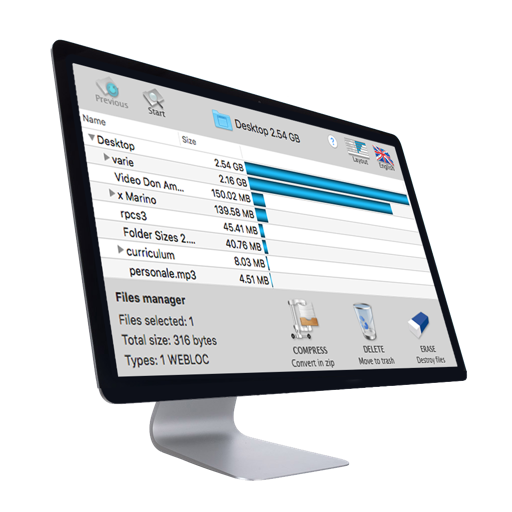
Manage with a dual pane layout for easy navigation and organization. View, delete, move, and rename . Encrypt for security. Access cloud storage and NAS devices. Backup apps and to external locations.
Transfer files and folders between devices. Monitor transfer progress for better tracking. Open files directly or share with other apps. Upload learning materials via Wi-Fi using HTTP or FTP.
The app supports djvu and pdf formats with a visualization system for mobile devices. It offers elegant design, extended functionality, and high speed for working with large documents.