Apps Like Scratchify: Scratch Draw Art! for iPhone and iPad
Create art with effects and brushes
Create colorful designs using art effects with 48 unique brushes and 48 shapes across six categories. Use symmetry and inverse drawing modes for creative effects. Apply dynamic textures and -off particles for realistic results.
by linkedPIXEL★ 4.587 ratingsEntertainmentFreeData updated 2026-09-15
On two backgrounds with adjustable line sizes. Continue drawing on previous sketches. Include calming music. No internet required. No data collection. Use colorful or shiny pens for creative expression.
Art designs with tap-and-draw controls. Use magical brushes to paint glowing effects. Create symmetrical patterns and mandalas with balanced templates. Adjust colors and motion effects for custom designs. Share creations directly.
Record videos in analog style with one tap. Apply black and white or colored effects. Limit video length to 20 seconds for default or 6 seconds for others. Extend to 5 minutes with PRO purchase. Append new recordings after each session.
Match glowing asteroids, comets, and stars to complete objectives like clearing special items or hitting target scores. Use power-ups to remove blockers or drop objects.
Apply visual effects to photos using finger controls. Adjust each effect with customization options. Use particle-based effects for dynamic results. Edit photos from camera or library. Save and share edited images.
Create and share drawings based on random themes. Compete in real-time battles against other players. Receive AI-generated scores and climb global rankings. Improve skills through themed challenges and practice sessions.
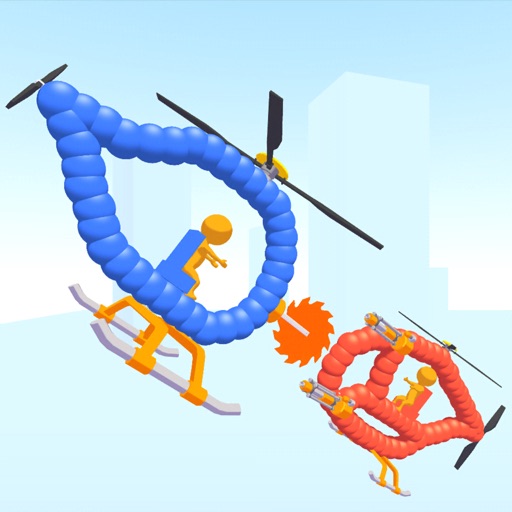
Create custom helicopters with drawing tools, select from guns, machine guns, and lasers. Battle enemies in increasing difficulty levels. Progress through stages to face stronger opponents. Play freely without cost.
Create seamless patterns using 17 symmetry types and 23 templates. Draw with 18 brushes including pencil, liner, and airbrush. Use symmetry guide lines to align designs. Export patterns in multiple formats.
Create and edit drawings using a variety of brushes and colors. Import images for reference. Save and share artwork. Access tutorials and tools for beginners and artists.
Guess phrases by scratching away parts of a hidden image. Reveal clues to identify the full . Use hints if stuck. Play with multiple difficulty levels and track progress. Share scores with friends.
Create custom Pop It games by selecting colors, shapes, and textures. Play pre-made Pop Its to reveal surprises. Share creations with friends. Pop bubbles to progress through levels.