Create dynamic slideshows with auto-updating content from cloud storage. Add custom animations, video playback, clock, and weather overlays. Display photo details and sync with iCloud, Google , Google Drive, Microsoft OneDrive, and Dropbox.
Create DSLR-style photos with background blur by selecting focus areas. Apply various filter effects for natural and realistic results. Adjust focus precision for professional-quality images.
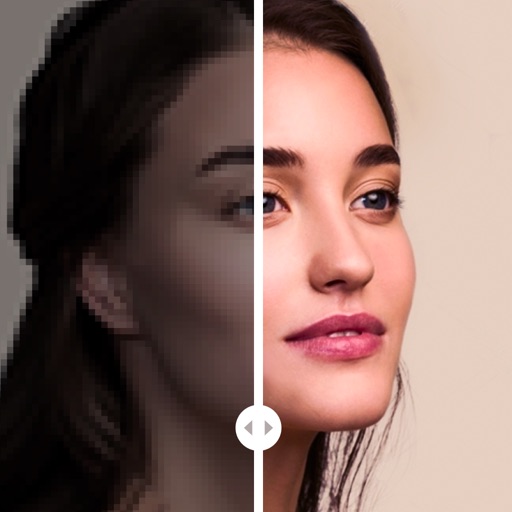
Enhance photos with AI-powered cleaning, color correction, and clarity adjustments. Remove blur, restore details, and convert black-and-white images. Export edited photos in high resolution and share directly.
Edit photos to full size on Instagram . Stretch edge pixels to fill gaps. Choose from blur, mosaic, color, and pattern backgrounds. Take photos directly or import from gallery.
Edit photos with filters, masking tools, and multiple filter layers. Apply selective filters using advanced masking to create effects like color splash or tilt shift. Adjust and combine filters for custom results.
Time Guardian Network Technology(Guangzhou) Co., Ltd.
Clean storage with one-tap cleanup
Offers one-tap media cleanup, smart duplicate detection, and high-quality compression to free storage. It scans for large videos and hidden duplicates. AI groups screenshots, blurred images, and receipts. Compresses videos and photos without loss.
Apply blur effects to specific areas or the entire photo. Adjust blur intensity and select from multiple blur styles. Save and share edited images directly.
Blurify allows users to specific areas of a or the entire background. They can select from various brush types and shapes to apply . Adjust the intensity using a slider. Pre-set effects can be applied for different styles.
The app turns music into social media content. Users can load tracks, clip sections, and add visualizers to create videos optimized for platforms like TikTok and Instagram Reels.