Edit photos with splash effects, convert images to black and white, or apply custom colors. Add filters, zoom in on photos, and use a brush tool. Export and share edited images directly.
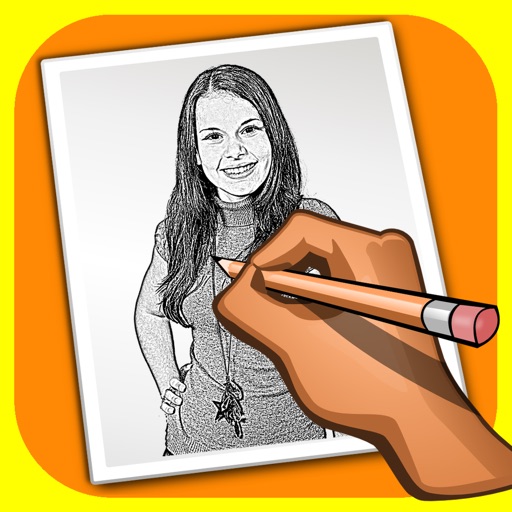
The app transforms user photos into pencil drawings with a sketch shine effect. Users can apply this filter to images captured with the device's camera.
The app processes images or videos with adjustable filters. Users can crop, rotate, apply effects like sketch or blur, and merge effects with a hand-drawn mask.
Video player with one-handed control. Adjust playback with horizontal flicks for preset time increments. Time slider is positioned vertically at the edge for easier access. Supports thumb manipulation for single-handed use on large screens.
Save website images with deep search to detect and capture full-size images. download multiple images to camera roll or in- albums. Process multiple pages simultaneously for faster collection.
Create pixel art with automatic double pixel removal for precise line art. Use round, square, and matrix dither brushes. Draw lines locked to isometric angles. Create rectangles and ellipses. Manage layers for animated projects.
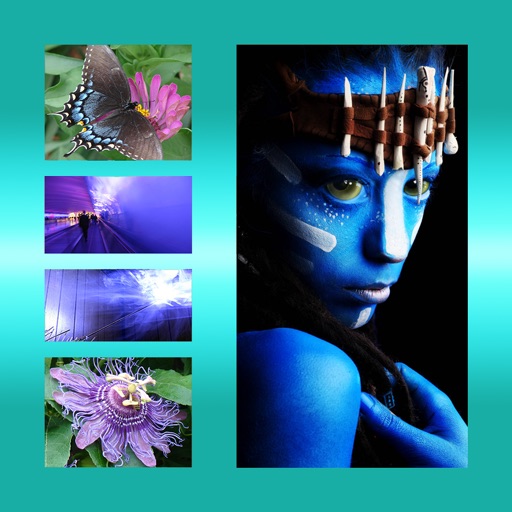
The app allows users to combine multiple photos into one framed picture. Users can adjust contrast, brightness, and saturation, add text, and apply effects.
Connect to via Bluetooth to transfer and print photos directly. Rotate, enlarge, or reduce photo size before printing. Control camera remotely for shooting.
The app provides grid overlays to assist with photo composition. Users can select from five normal and square grids, with the option to save photos in square size.
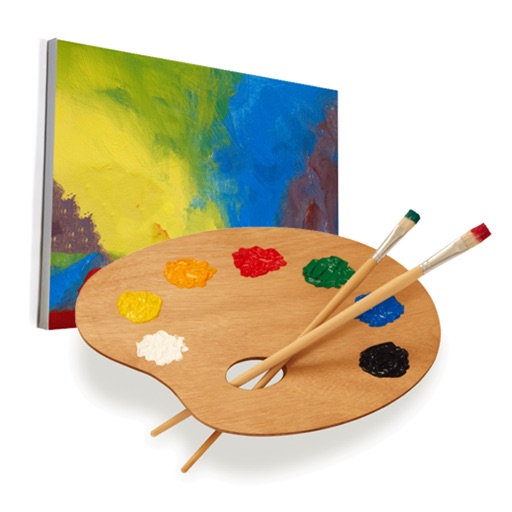
Create and edit drawings with a variety of colors and brushes. Sketch freely and refine details. Save, share, and publish artwork. Include step-by-step process for each drawing. Export in multiple formats and share directly.