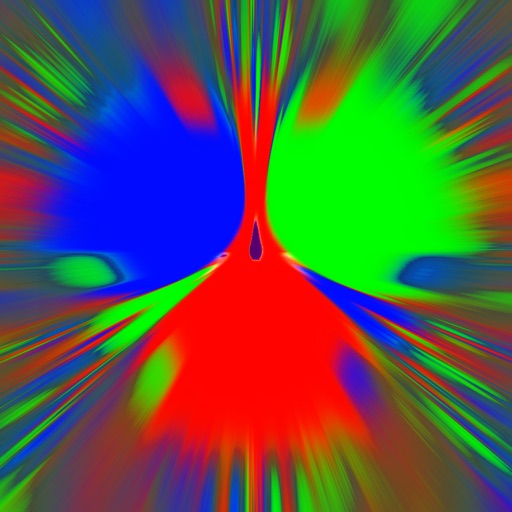
Simulate a metallic movement over three magnets. Adjust gravity and friction settings. Generate fractals based on simulation parameters. Learn about physics and mathematical patterns through interactive experiments.
Measure angles with touch or camera modes. Tap the screen to set points and calculate angles. Capture images for instant analysis. Customize measurement tools and save multiple angles simultaneously. Sync measurements across devices.
Set a custom tempo with BPM input. Choose between normal, repeat, and program modes. Adjust beat divisions to eighth, triplet, or sixteenth notes. Use realistic pendulum animation and natural sounds. Start and stop timing with simple controls.
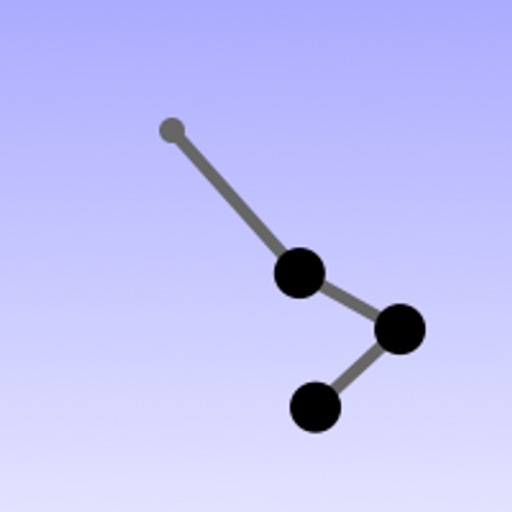
Simulate a motion using Runge-Kutta method for differential equations. Adjust initial conditions by tilting the device. View real-time movement and energy distribution.
Set tempo with keypad or slide pendulum for 20 to 999 BPM. Choose time signatures from 2/1 up to 9/8. Adjust beat subdivisions. Start, stop, and reset the . Sync with Apple Health for workout tracking.
Track correspondence with friends by recording send/receive dates and calculating delivery times. Log pen, ink, and paper details for each letter. Set reminders to write back or post letters. Sync data via iCloud for cross-device access.
Pendulum motion governed by differential equations.
The app solves differential equations for a double pendulum using the Runge-Kutta method. Users can influence the pendulum's movement by positioning their device.
Measure of tennis racquets, golf clubs, and baseball bats by hanging equipment and letting it . Use iPhone near the swinging end to automatically display the measurement.
Adjust tempo and beat with pendulum or digital modes. Choose from multiple sound options. Use stress flash to emphasize beats. rhythm with adjustable speed and timing.
Measure angles using camera view with touch or plumb bob methods. Set angles on screen or through camera. Switch between measurement modes. Access advanced polygon measurement in premium version. Calibrate plumb bob for accurate slope readings.
Calculate physical quantities using formulas for force, work, power, energy, acceleration, and motion. Input values to solve for unknowns. Track units and view step-by-step solutions. Sync results with other devices.
The app helps musicians learn songs, practice rhythms, and perform with a band. It offers tools for understanding complex rhythms and tracking progress.
Perform basic calculations in portrait mode and scientific calculations in landscape. Use root, power, factorial, exponential, division, logarithm, and trigonometric functions. Features a flat UI design similar to built-in iOS apps.