Create and arrange melodies, bass lines, and drum beats by moving dots on the screen. Switch chords and patterns instantly. Apply delay and reverb effects to instruments. Tap or drag to build sequences. Sync with AirPlay for playback.
Practice ear with customizable exercises for chords, intervals, and scales. Track progress across different disciplines. Use a configurable for visual feedback. Access tutorials and follow guided lessons for skill development.
Turn analog piano into a digital instrument by recording and converting piano music to MIDI. Convert existing music files on your device. Edit MIDI files in music production apps.
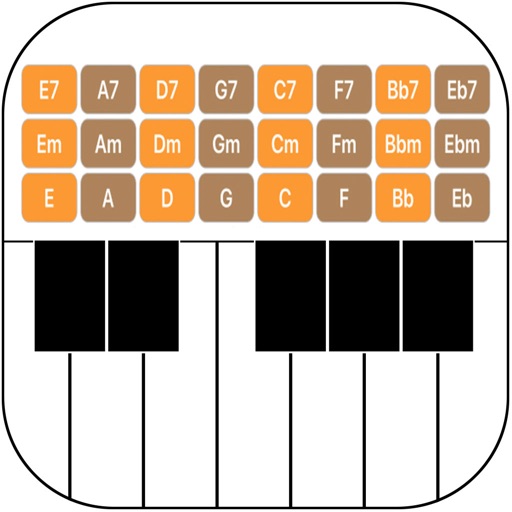
Play chords and melodies using a tactile keyboard interface. Hold buttons and swipe or tap to create sounds. Access chords and notes via a grid for precise selection. Adjust pitch, harmonize, and apply real-time audio effects.
Learn , , and modes in any position using a fully functional simulator. Play interactive games to master theory. Use backing tracks, metronome, and record riffs. Customize settings including fretboard size and left-handed support.
Manage and organize music lyrics and chords with custom tags and search functionality. Create and order set lists. Edit chords with shortcuts. Access favorite songs quickly. Sync and carry music library on iPad.
Access chord charts and diagrams for Nepali, Hindi, and English songs. Learn with tutorials and artist profiles. Practice with built-in tools. Auto-scroll through sheet music. View accurate chord sheets and track progress.
The app provides a chord reference and learning tool for seven instruments including piano, guitar, and ukulele. Users can explore, hear, and play chords, adapting progressions to their vocal range or desired key.