Adjust playback to accelerate or decelerate footage. Import existing videos or record new ones. Apply time-lapse or slow-motion effects. Save and share modified videos directly.
Capture photos and videos using Bracketing, Slow Shutter, and Time-lapse modes. Adjust exposure, focus, and white balance manually. Export raw files and share directly. Sync with Apple Health for activity tracking.
Control action camera settings and preview footage in real time. Edit videos and share them on social platforms. Access official usage guides and manage camera functions directly.
Capture photos and videos with high resolution up to 4032x3024 and 4K. Switch between front and back cameras. Use face detection, grid, and image stabilization. Zoom up to 10x. Adjust focus and exposure by tapping.
Record videos with manual controls for exposure, shutter speed, ISO, white balance, focus, zoom, frame rate, quality, resolution, and aspect ratio. Save and share videos via iTunes, Airdrop, or other transfer methods.
The app offers a complete time-lapse workflow on the go. It allows users to define capture sessions, record in 4K or HD, and capture RAW or JPEG photos with smart exposure to prevent flicker.
Edit videos by trimming, cutting, and cropping clips. Overlay stickers and multiple clips. Add music to enhance videos. Create professional-looking vlogs with intuitive tools. Export and share finished videos directly.
Capture high-speed bursts with up to 30 photos per second at 12MP. Save only the shots to the roll. Export timelapse videos and slideshows. Lock focus and exposure manually. Share photos and videos directly.
The app allows a user's iPhone or iPad to function as a remote camera for Stop Motion Studio. It provides live preview and full camera control for capturing stop-motion animations.
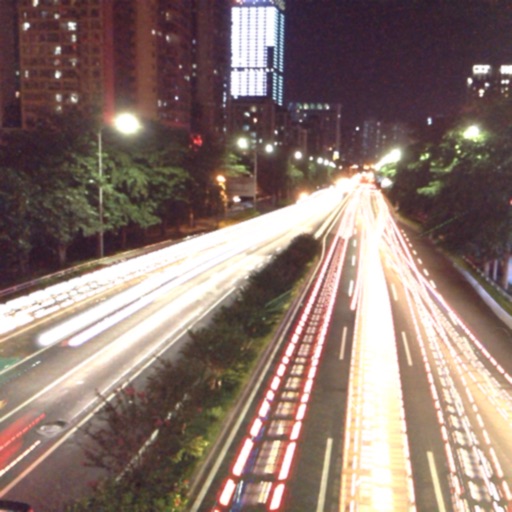
The app captures photos using slow shutter speed effects to create light trails and streams. Users can control exposure time and focus for motion blur photography.