Create intricate designs, patterns, and mandalas using intuitive drawing tools. Use a single stroke to generate complex artwork. Access a variety of brushes and color options. Save and share creations directly.
The app provides drawing tools including airbrush, pen, pencil, line, rectangle, and ellipse. Users can control tool color, size, and transparency, and manage layers with transparency and visibility settings.
Create and edit digital artwork with layers, brushes, and custom tools. Adjust colors, brightness, and contrast. Import photos and sketches. Save and export in various formats. Apply filters and effects. Collaborate with others through cloud sharing.
Create animations with drawing tools, color options, and frame management. Import images or draw directly. Export and share animations on Cineverse. View progress and refine frames for detailed editing.
Learn to draw any subject with customizable color tools. Adjust settings for pencils, pastels, and brushes. Save artwork to camera roll and share on Facebook or Twitter.
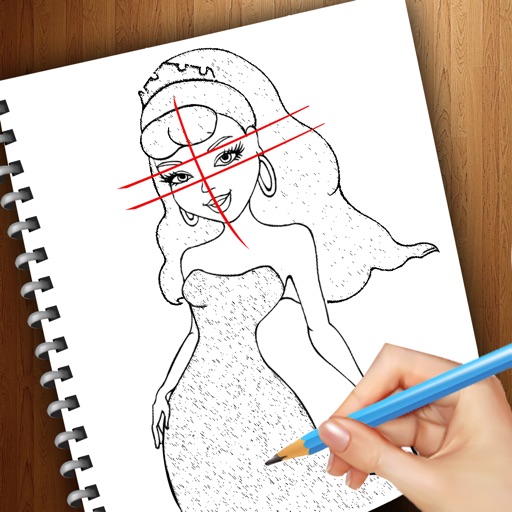
Draw and color characters directly on the screen or with a pencil on paper. Access a public gallery to share art. Follow step-by-step drawing guides. Color pages with solid or gradient colors. Color pixel art by numbers.
Teaches drawing anime characters through video tutorials. Breaks down character design into -by- lessons. Covers foundational techniques and advanced details. Allows users to practice and refine their skills progressively.
Create art with interactive brushes like slime, tie-dye, and fire. Design with mini games such as Friendship Bracelet Creator. Use art history themed stickers and seasonal holiday packs. Choose from 150+ colors including pastels and neons.