Create traditional hand-drawn animations with support for Apple Pencil or finger input. Use the traditional xsheet for timing and thumbnail previews. Enjoy smooth, natural drawing with automatic onion skin lighting for better visibility.
PLAY AND LEARN EDUCATIONAL GAMES FOR KIDS PLEI END LERN EDYUKESHINAL GEIMS FO KIDS, TOO
Draw, color, and create cartoons
Create drawings using various colors and tools. Select from pencils and brushes to color favorite characters. Add interactive elements to animate drawings and tell stories. Explore themed scenes like rocket launches and space adventures.
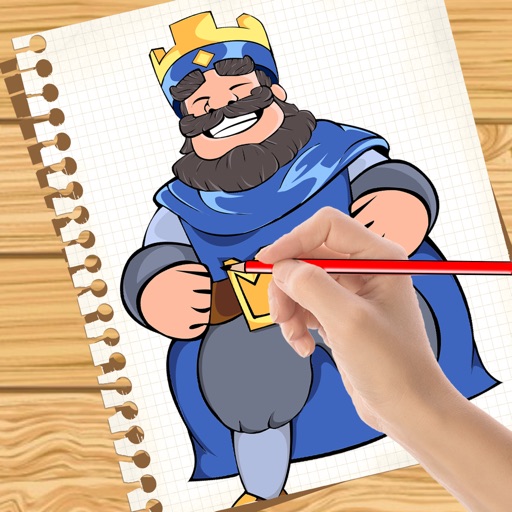
Convert photos to clean outlines using one-tap conversion. Trace AR images on paper with resizing, rotating, zooming, opacity adjustment, and alignment locking. Explore 1000+ templates and create text art for crafts, projects, and learning.
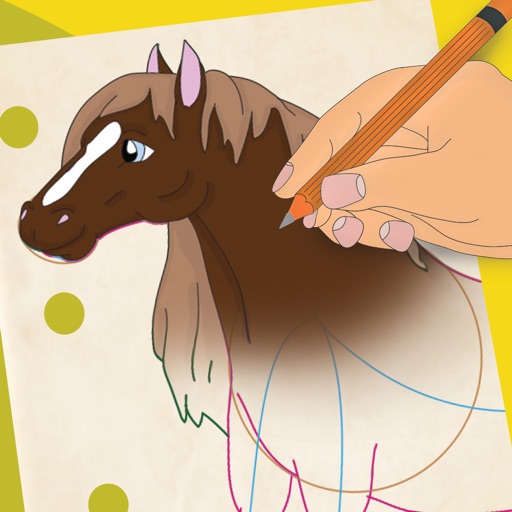
Learn to 10 through 8 step-by-step lessons. Choose an animal, follow guided instructions, and create drawings anywhere. Save and share completed artwork.
Create mandala paintings using vector-based tools. Zoom smoothly for precise details. Choose from various colors and brush styles. Save and share drawings directly. Adjust layer settings for customization.
Lighting with Bluetooth integration. Adjust colors via a color wheel and select from fade or flash lighting modes. Manage automatic brake lights and dual zone settings. Monitor low voltage status and access additional features through the .
Complete the by finishing the mirrored half around the line of . Use tools to add details. Save and share completed artwork. Practice and fine motor skills.
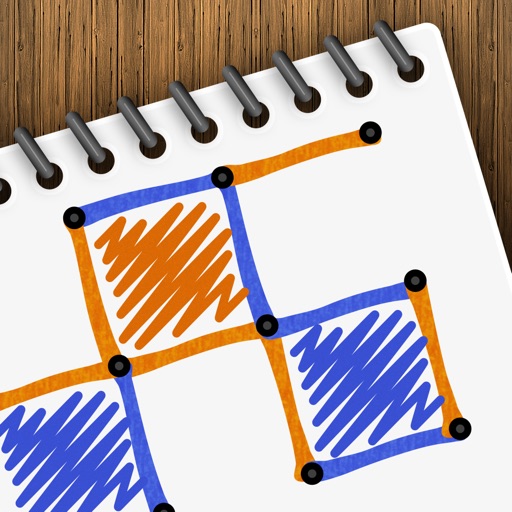
Play a turn-based strategy game by connecting to form . Take turns drawing lines between grid points. Earn points for each box completed. Compete against another player or AI opponent. Customize game settings and track scores.
Create and refine digital artwork with drawing tools and tutorials. Import photos for reference. Save and organize sketches in digital sketchbooks. Practice advanced techniques with guided lessons.
Color images with 2D artwork and various tools including a bucket fill. Explore daily updated collections of images. Share completed drawings via social media or email. Adjust colors and save progress.
The app offers drawing tools, color options, and frame management for creating animations. Users can export animations to video or animated GIF formats and share them.
Pages allow users to select and customize colors for each section. Features include saving progress, sharing completed artwork, and accessing a library of themed pages. Users can zoom in for detailed and adjust brush sizes for precision.
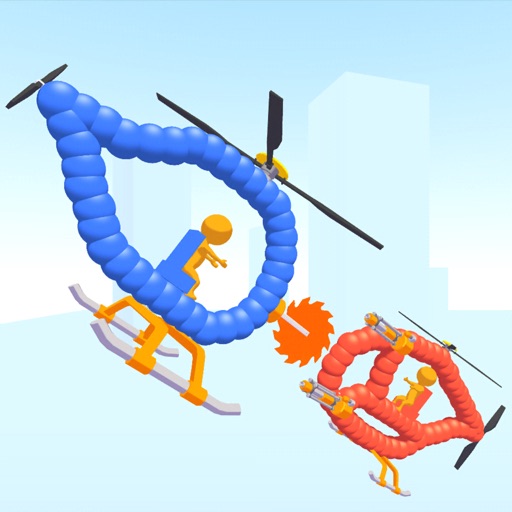
Create custom helicopters with drawing tools, select from guns, machine guns, and lasers. Battle enemies in increasing difficulty levels. Progress through stages to face stronger opponents. Play freely without cost.
Create art with customizable drawing tools and templates. Access packs for calligraphy, mandalas, and artist-inspired paintings. Choose from themed categories like Ink. Practice drawing techniques and explore creative exercises.
Create by painting individual pixels. Adjust canvas size, select colors, and customize border settings. Erase, undo, and resize drawings. Save artwork to gallery and storage. Share completed pieces others.
Track VOR and NDB signals in real time. Practice holding patterns and radial interceptions. Simulate check rides and sim assessments. Adjust needle movements and receive feedback. View flight path and navigation data.