Determine phase for circuits based on system region. Select single or three-phase configurations. Choose color combinations from predefined options. Set numbering style preferences. View phase color assignments for selected circuits.
Create and color paper objects that unfold into origami scenes. Mix to generate new shades. Take photos of completed artwork. Toss paper balls for interactive . Share creations with others.
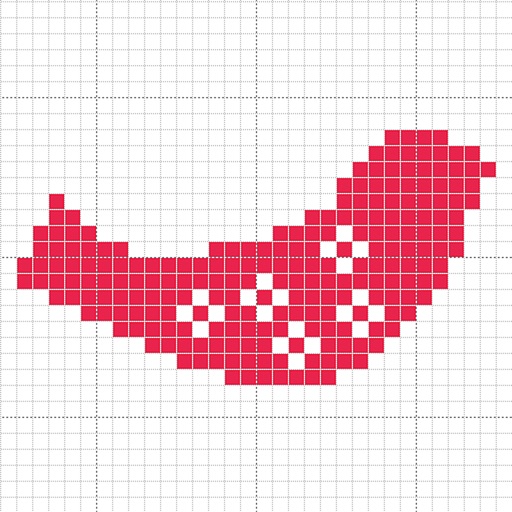
Create custom charts for crafts like cross stitch, bead weaving, knitting, and pixel art. Draw dotted images and design patterns with an intuitive touch interface. Export charts for use in projects.
Edit features like waist, legs, hips, and abs. Apply makeup and adjust skin tone. Change hair color and style in real time using the live camera feature. Save and share edited images.
Customize lock screen, home screen, and control center with wallpapers, widgets, and themes. Choose from various styles and layouts. Edit images, add text, and apply filters. Sync themes across devices. Share custom designs with others.
Take a photo or upload an image of a or mineral. Identify the stone instantly using advanced recognition. View detailed information including name, color, properties, and care instructions. Save and organize identified stones for future reference.
Capture and recognize names in real-time by pointing the at an object. Display RGB, HSV, and CIE Lab values. Adjust individual components and view changes instantly.