Apps Like Video Collage Maker, Effects for iPhone and iPad
Create collages from videos
Create collages from up to 9 videos. Choose from various frames or none. Add visual and music. Use editing tools to customize projects quickly. Access templates for inspiration. Share finished collages directly.
by Craigpark Limited★ 4.3101 ratingsPhoto & VideoFreeData updated 2026-09-15
Clean up photo gallery by removing duplicate videos and images. Sort files by size, date, or location. Access a widget for free space and recent large files. Delete up to 15 files per session for free. Unlock unlimited deletions with in- purchase.
Create collages by overlapping photos in various layouts. Move, rotate, zoom, and sketch images. Add text, stickers, and effects. Choose from square, rectangular, or single photo arrangements. Share directly from the .
Edit photos with filters, cropping, and adjustment tools. Add text, stickers, and borders. Create collages and share directly. Export in multiple formats. Sync with social media platforms.
The app allows users to replace the background audio of videos with new sound selections. Users can preview the video with the added sound before saving it to their device or sharing it on social media.
Remove unwanted parts of photos using AI-powered erasing. Add colors or images to create new backgrounds. Crop, draw over, and undo edits. Zoom for precision and blur edges. Save and share edited photos.
Create collages with single or multiple photos, up to 14 images. Add , backgrounds, and drawings. Share collages on Facebook, Instagram, Twitter, WhatsApp, and other platforms. Edit photos with basic tools and apply templates.
Watch movies, documentaries, biopics, miniseries, shorts, music videos, online teachings, and vlogging content. Subscribe for monthly or yearly access with auto-renewing options. Stream content directly within the .
Create art using AI to generate images in various styles. Combine generated artworks into collages. Edit photos with tools for adding text, removing backgrounds, and organizing multiple results. Share edited images directly.
Create collages by selecting multiple photos and choosing from various layouts. Apply filters, add stickers, and include text to edit the . Generate 3D collages with different frames for a realistic 3D effect. Share the final directly.
Edit photos with cropping, lighting adjustments, color correction, and professional filters. Design greeting cards and collages with customizable frames and layouts. Add personalized messages, stickers, and text to create unique invitations.
Create personalized AI-generated videos and avatars by uploading a photo and selecting an and background. Edit messages with AI-generated animations. Share finished videos directly.
Create videos by selecting photos from the gallery and adding music. Choose from 50+ transition effects. Adjust frame speed and layout ratio options including portrait, square, and landscape. Preview and edit in real time.
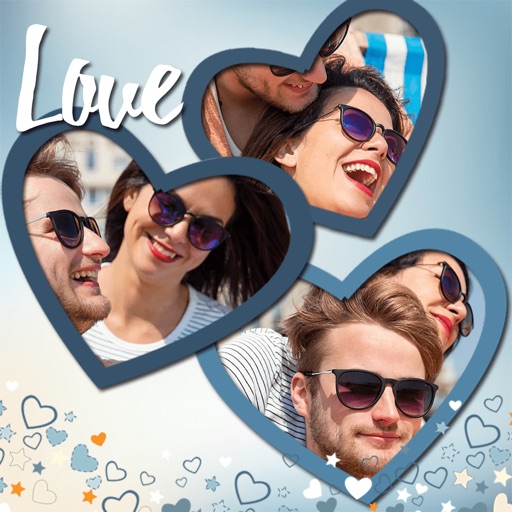
Create collages by combining multiple photos. Add romantic and text. Share collages via social media or messaging. Customize layouts and edit images within the .
Access a curated collection of high-quality art featuring works by Monet, Van Gogh, Picasso, and other renowned artists. Choose from various cultural styles including Dutch, Japanese, and Spanish. Download and set as wallpaper.