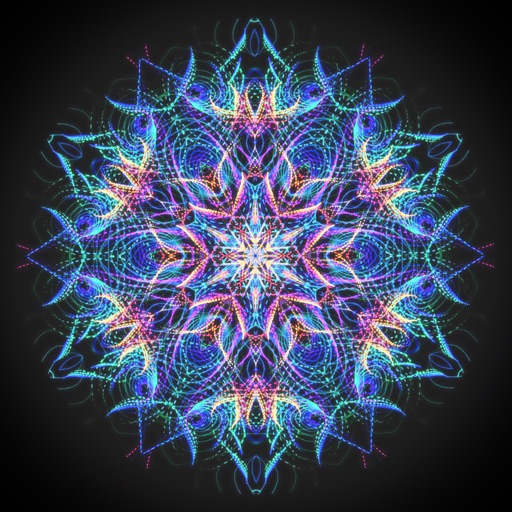
Create fractal art using the fractal-flame-algorithm. Adjust parameters to generate unique patterns. Save and share generated images. Explore endless design possibilities through interactive controls.
by Andreas Maschke★ 4.427 ratingsLifestyle$3.99Data updated 2026-10-02
Create artwork by selecting up to 300x300 stitches and 128 colors. Place stitches by tapping, paint by number, and save progress. Import images for custom designs. Stitch adjacent plaids in 3x3 grids. View completed patterns and export as images.
Edit photos with advanced filters, color adjustments, and mathematical transforms. Apply custom brushes and import Photoshop brushes, curves, and fonts. Repaint images and export in various formats. Share edited work on Instagram.
Create animated swirling patterns and kaleidoscope artworks. Select from various brush styles and color palettes. Adjust speed and symmetry settings. Save and share generated artwork. Relax through interactive, meditative visuals.
The app generates and explores fractals like the Mandelbrot and Julia sets. It offers 2D and 3D views with customization options and exports images up to 16 megapixels.
Explore a kingdom by completing quests and uncovering secrets. Collect resources, craft items, and battle enemies to rescue your father. Progress through levels, unlock new abilities, and interact with characters to advance the story.
Play by swiping to aim and shoot enemies. Collect power-ups to enhance abilities. Unlock 7 ships and face 14 enemy types. Haptic feedback enhances key actions. Transform the background with each hit.
By allows users to select pre-made images and fill them using numbered codes. Users can zoom in on the drawing, choose colors, and match them to the image. Autosave functionality is available, and new pixel art and by puzzles are added daily.
HC MAKER - PHOTO LOGO BACKGROUND EDITOR APPS FOR FREE
Create images with AI
Create images using AI-generated visuals based on text prompts. Adjust styles, colors, and details. Save and share edited images directly. Export in various formats for different uses.
Message friends and AI Personas in group chats. Set goals and receive personalized feedback. Track progress with mood and productivity insights. Share updates and receive AI-generated summaries. Create and join themed group discussions.
Generate AI art by inputting text prompts. Choose from various styles and settings. Edit generated images with tools like cropping, adjusting colors, and adding effects. Save and share artwork in multiple formats.
Create pixel-art avatars by selecting items from 14 categories. Choose color variations for each item. Customize character appearance with different accessories and clothing. Save and share avatar portraits. Add tags to portraits for identification.
Customize avatars with over 1,000 clothing and makeup items. Choose from various character roles like Pop Star Idol or Princess. characters from head to toe. Save and share created outfits. Explore trends and styles.
Create digital art with customizable brushes and layers. Adjust brush settings for pressure and flow. Use Apple Pencil for precise strokes. Save and export artwork in various formats. Import images for tracing or blending.