Shapes by connecting points with a line. Measure the length of the drawn shape and close it to reveal the outline. Adjust the line to fit the shape accurately for higher scores. Play anytime and track progress through multiple shapes.
by Lion Studios LLC★ 4.6196,904 ratingsGamesFreeData updated 2026-09-15
Create paths by drawing lines to connect two balls using objects. Objects and balls interact based on real physics. Adjust paths to guide balls toward each other. Test different solutions to complete levels.
Draw with a pen or apply colorful stamps. Tap to change background colors between white and black. Save drawings, erase, or retry. Play sounds when using stamps or drawing lines.
Play a -3 game by connecting three or more identical . Clear the board to reveal glowing and guide them to the bottom. Complete levels quickly to maximize bonus points. Track progress through multiple levels and aim for three stars per level.
Play a object game with five different modes including finding , shapes, and counting. Locate 10 items per scene. Lose points for incorrect clicks. Use hints when stuck. Compete against others via Game Center. Share scores on social media.
Solve by connecting colored dots in classic and hexagon layouts. Fill grids without crossing lines or leaving spaces. Track progress and complete logic-based challenges to sharpen problem-solving skills.
Create animated sketches by on the and pasting them into compatible apps. Share drawings in iMessage, Mail, Notes, and soon on social platforms. Requires full access to copy animations to the pasteboard.
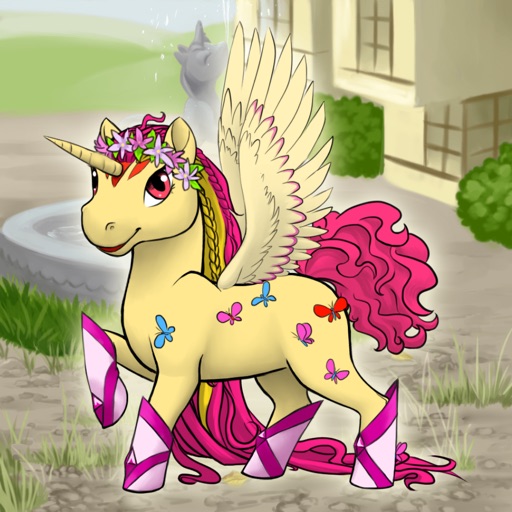
Create customizable cute ponies by selecting clothing, horns, wings, mane, makeup, and hairstyles. Draw unique features like pegasus wings or unicorn horns. Save creations to the gallery and adjust colors freely.
And AR lets two players take turns hiding and finding virtual shapes in real-world environments. Players select shapes from a list and place them on flat surfaces. The seeker uses to locate hidden shapes and tap them to reveal.
Create art with step-by-step drawing guides. Choose from categories like freestyle, hip-hop, and old-school. View styles in list or grid format. Save and share completed artwork. Adjust colors and brush sizes for customization.
Draw and share illustrations with real-time collaboration tools. Access a community with millions of user-generated artworks. Use advanced drawing features for precise line work and color blending.