On the screen by touching and moving fingers. Choose from multiple colors and adjust brush size. Set custom background colors or over photos. Save drawings to the photo library and email them to others.
The app allows users to create 8-bit pixel art with features like a color dropper, undo, and zoom. It offers multiple canvas sizes and export options for PNG images.
Edit videos by trimming, rotating, scaling, and flipping clips. Select frames and overlays to enhance visuals. Export full-size videos for Instagram and other platforms. Adjust orientation to match social media requirements.
Create art using realistic and watercolor effects. Draw with tools like marker, airbrush, crayon, and eraser. Apply fluid-based watercolor effects in the full version. Adjust colors and blend textures for detailed illustrations.
Resize images to 480x640 pixels without internet. Select photos from the library. Adjust up or down. Export resized images directly. No internet required for resizing. Simple interface for quick adjustments.
The app provides a drawing experience with a blank canvas or custom backgrounds. Users can draw with unlimited colors, adjust brush size, and utilize an undo button.
The app merges photos while preserving original resolutions and image quality. Users can freely position, crop, rotate, and resize images on a large canvas, and add text with custom fonts.
Remove similar color backgrounds from images and save transparent versions to the camera roll. Erase using finger or wand tools. Zoom and rotate with two fingers. Crop photos and share to other apps.
Calculate PPI, aspect ratio, and screen dimensions
Calculate PPI, aspect ratio, and screen dimensions in inches or centimeters. Measure height, width, and area of any screen. Access a list of standard resolutions and common devices to preset data quickly.
Coloring pixel lets users select pre-made objects and color them using provided colors. Users can zoom in to better view the area. They can choose between easy and advanced images with varying color complexity.
Create and share sketches with realistic brush strokes and modeling effects. Study forms, shapes, and architecture. Save drawings to photo library or social media platforms like Twitter, Facebook, and Sina Weibo.
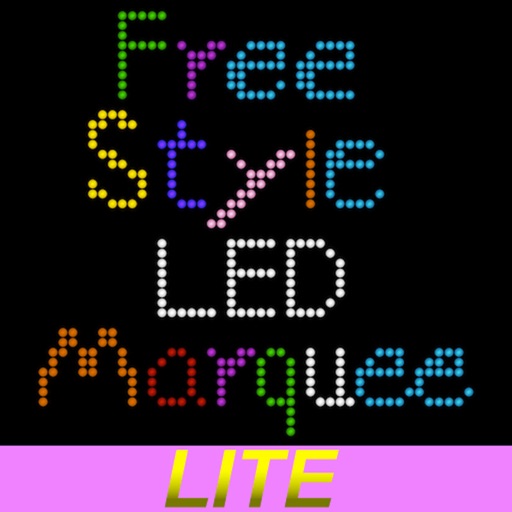
The app allows users to draw freely via LED, controlling color, canvas length, movement, and background. This version does not include a save function.