Edit PDF files by filling forms, highlighting text in multiple colors, and annotating sections. Save and share modified documents. Scan physical documents into PDFs using the built-in camera scanner.
The app offers features like adding comments, customizable background colors, and smooth image manipulation. It also includes a draft board for text fragments and document information statistics.
The app offers features such as adding comments, customizable background colors, and smooth image manipulation. It also provides real-time document statistics and supports various file formats for user convenience.
The app supports viewing, storage, transfer, printing, and email for various file types including PDF, Word, Excel, and images. It offers file management features like folder creation, deletion, renaming, moving, copying, and global search.
View and manage files including PDFs, documents, and media. Open files via email, AirDrop, or connected devices. Transfer files using USB or Wi-Fi. Print documents and share files directly. Supports multiple file formats for viewing and listening.
The app reproduces folder and subfolder structures for organizing PDF documents on iPad and iPhone. It allows browsing, displaying, and managing PDF files within the recreated structure.
Create PDF documents from scanned pages or photos. Edit files with cropping, color adjustment, and text recognition. Reduce file size and add signatures or drawings. Organize documents using a filing system and share files directly.
Extract files, manage archives, organize documents
Import files from storage or media and organize them. Open ZIP, 7z, and RAR archives with preview and selective extraction. Protect and unlock archives with passwords. Create new ZIP or 7z archives with adjustable settings.
The app allows file transfers through a browser, functioning as a flash drive for the user's device. It offers file management capabilities and supports viewing various document and media file types.
Upload and manage in various formats. Create a custom electronic signature using the built-in editor or a handwritten scan. PDFs or other files directly. Capture and digitize handwritten signatures for .
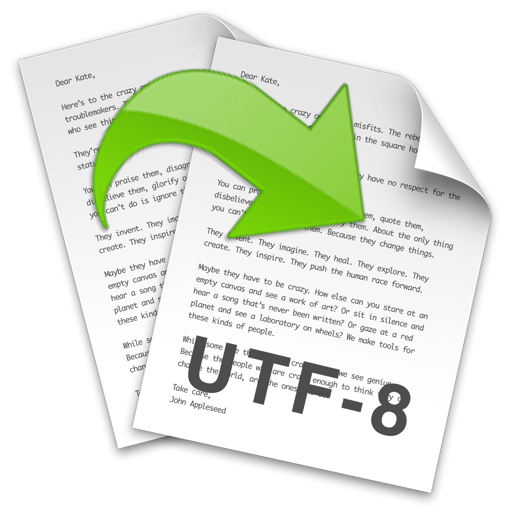
The app converts text-based files' encoding and line endings. It supports batch conversion, auto-detection of encoding and line endings, and file preview.
The app manages and downloads documents, supporting Open Document formats like ODT, ODS, and ODP. It displays PDF, MS Word, Excel, PowerPoint, iWork, and image files, and integrates with cloud services like Google Drive, Dropbox, and Box.
Organize and store daily events, web pages, and notes. Search and filter content for quick access. Sync notes across devices using iCloud or local storage. View notes in full-screen meeting mode.