Apps Like Logo Maker - Logo Designer for iPhone and iPad
Design logos with arts, colors, and text
Design logos with customizable templates, color options, text tools, and graphic elements. Add backgrounds and textures. Export logos in various formats and share directly.
by Saraswati Javalkar★ 4.9851 ratingsPhoto & VideoFreeData updated 2026-09-14
Add watermarks to using text, logos, or images. Choose colors, fonts, and adjust scale, opacity, and angle. Save watermarks as templates for future use. Apply watermarks to protect and copyright .
Create invoices, quotes, and receipts quickly with customizable templates. Track payments and send reminders to clients. Manage client information and organize financial records. Accept payments directly and avoid recurring fees.
The app provides a collection of template logos for businesses and organizations. These logos can be edited using Illustrator C5+ or compatible software.
Create logos using free templates without experience. Choose from various styles and customize colors, fonts, and layouts. Export logos in multiple formats and share directly.
Edit vehicle photos with AI-powered background removal and color correction. Adjust lighting, crop, and resize images. Export in high resolution and share directly to marketplaces and social media.
Create slideshows and collages with photos and music. Add transitions, edit photos, and reorder images. Share finished projects on social media platforms like Instagram, Facebook, and Twitter.
Create logos instantly by typing your brand name and selecting a style. Generate multiple design options without design skills. Combine text with graphics for versatile branding. Export logos in various formats for use online or print.
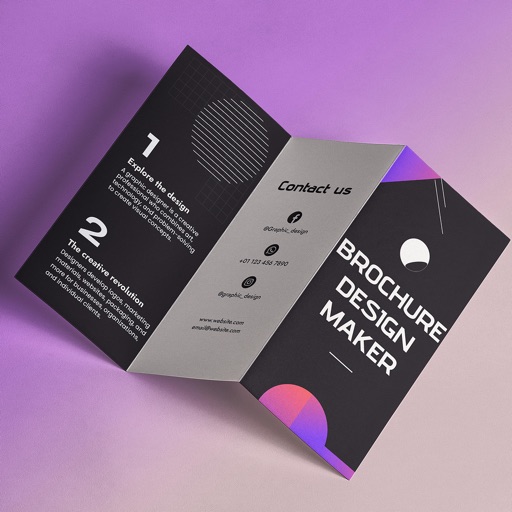
Create brochures by selecting from 2500+ templates across industries like business, travel, and education. Edit layouts, add text, images, and graphics. Export as PDF or print directly. Save and share designs.
Create and customize using pre-designed . Export via email to iOS devices. Transfer to Mac or PC using iTunes. Edit with Photoshop CS2+ or Illustrator C2+.
Create professional invoices with customizable templates. Input company details, client information, and itemized charges. Calculate totals and add payment terms. Export invoices as PDF or share via email.